● If the icon is not displayed on the Details screen, the alarm can be automatically
cleared after the fault is rectied.
● If the icon is displayed on the Details screen, it indicates that the alarm can be
cleared manually. You need to tap Clear to clear the alarm after the fault is rectied. The
alarm clearance type (automatic or manual) varies with smart cooling products. Some of the
alarms can either be cleared automatically or manually. Perform operations as required.
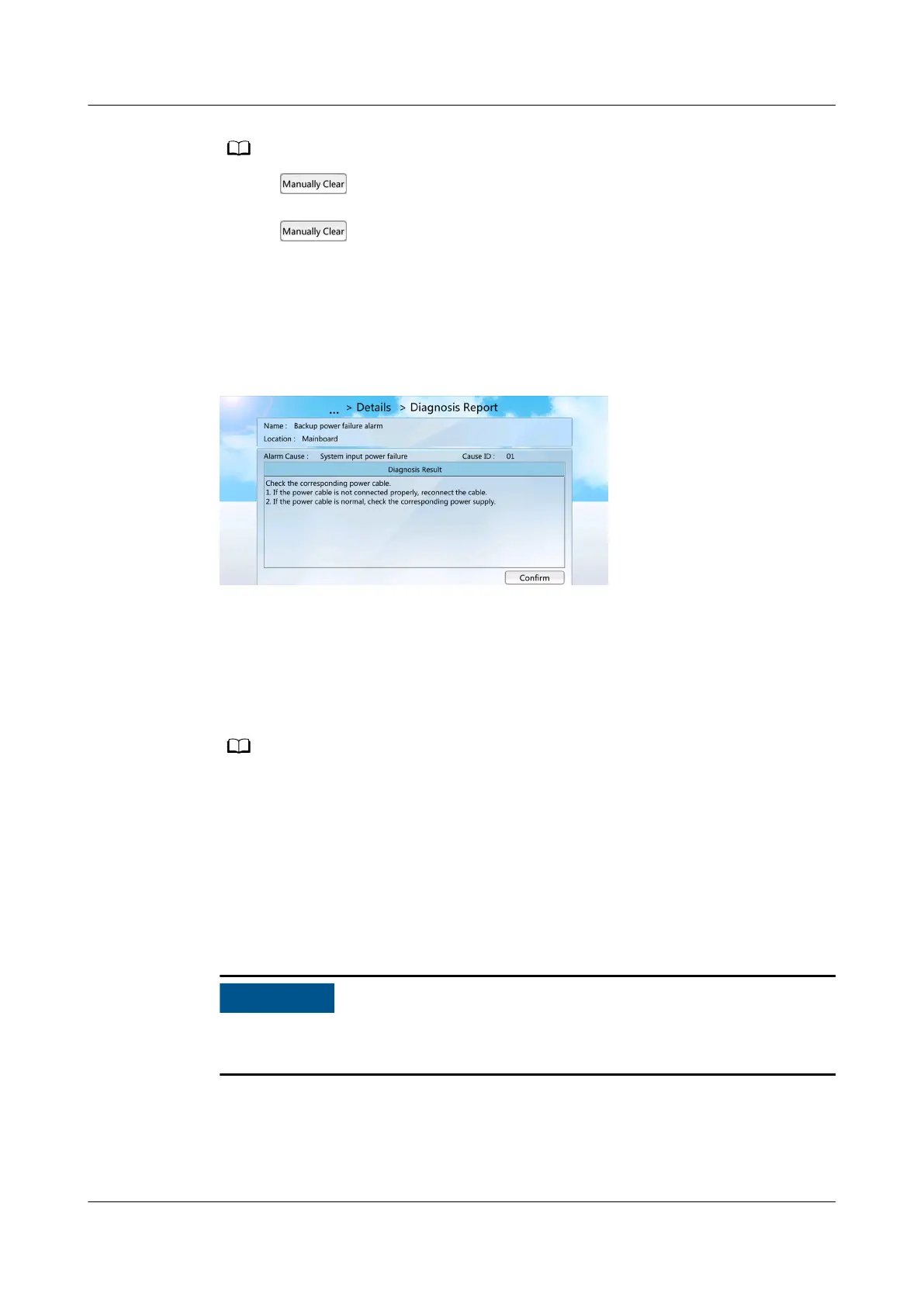
Step 3 Tap Diagnostic Mode to view the diagnosis report. Rectify the faults following
instructions in the diagnosis report.
Figure 12-17 Diagnosis report
----End
Follow-up Procedure
To query historical alarms, choose Common Function > Query Hist Alarms or
Alarms > Query Hist Alarms on the home screen.
Historical alarms are displayed in chronological order. The latest cleared alarm is displayed
in the uppermost row.
12.12 Deleting Historical Alarms
Context
To delete historical alarms, log in as the admin user.
Exercise caution when deleting all historical alarms. Because this operation may
cause clearance of all historical alarms and
aects device maintenance.
Procedure
Step 1 On the home screen, choose Alarms > Delete Hist Alarms. Figure 12-18 is
displayed.
NetCol5000-A050 In-row Air Cooled Smart Cooling
Product
User Manual 12 FAQ
Issue 08 (2021-09-17) Copyright © Huawei Technologies Co., Ltd. 303



 To Next Page