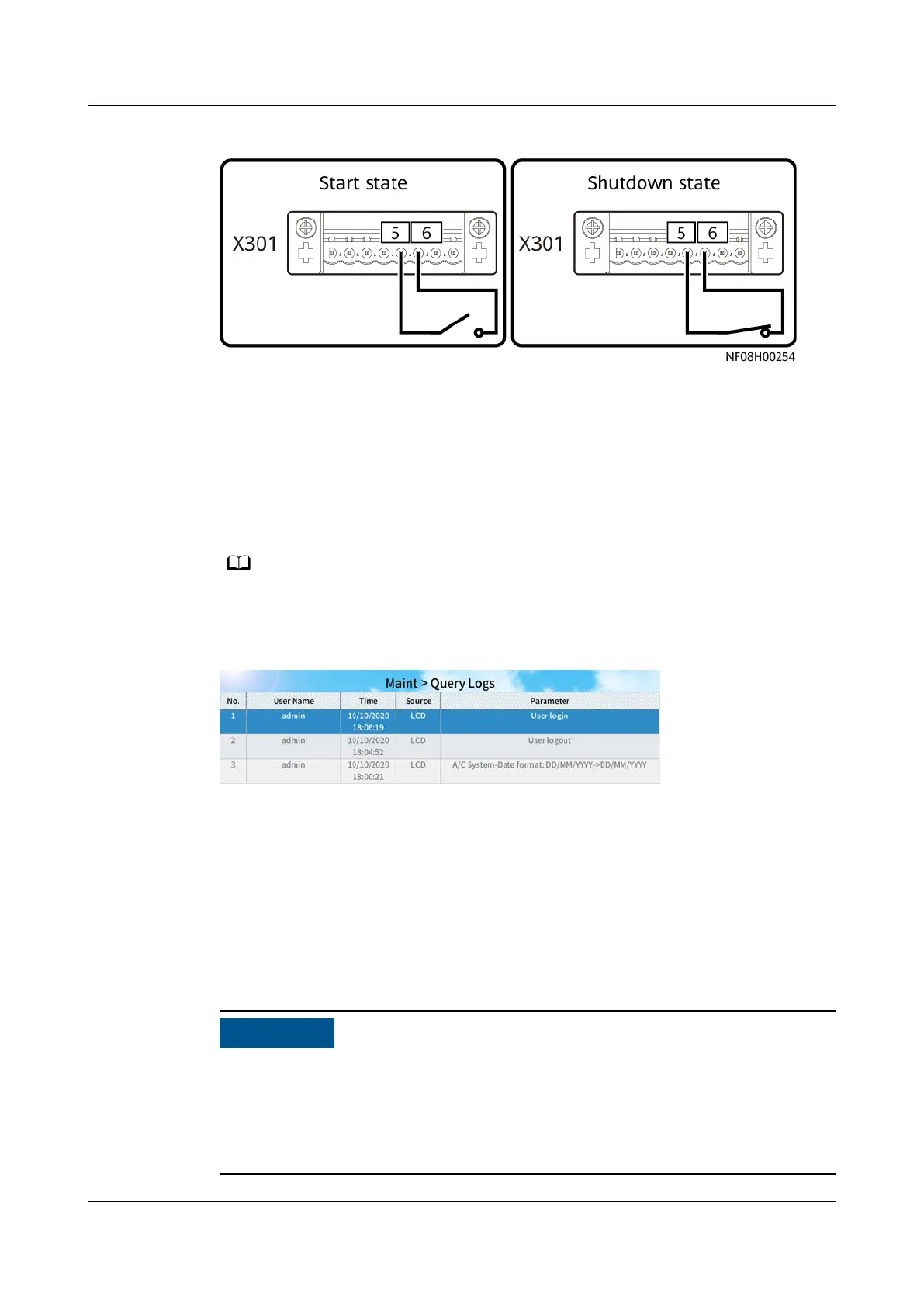
Figure 12-4 Start/Shutdown over the hardware port
12.2 How Do I Query the Setting of a Parameter Before
Change?
On the home screen, choose Maint > Query Logs to query the setting of a
parameter before change. The value before -> is the setting before change, and
the value after -> is the setting after change.
The log query screen displays logs of LCD user operations, including user login and setting
change records.
Figure 12-5 Query Logs
12.3 Operations with a USB Flash Drive
Context
After connecting a USB ash drive to the USB port on the main control module,
you can export data, import and export conguration les, and import certicates
and keys.
● You are advised to use the FAT32 USB ash drive with a capacity less than or
equal to 64 GB. For a non-FAT32 USB
ash drive, format it to the FAT32 format
using a computer.
● Before using a USB ash drive, ensure that its data has been scanned by
antivirus software and is secure.
NetCol5000-A050 In-row Air Cooled Smart Cooling
Product
User Manual 12 FAQ
Issue 08 (2021-09-17) Copyright © Huawei Technologies Co., Ltd. 294



 To Next Page