Cross-Talk Screen 89
User Guide v 1.0 — February 2020 Mold Diagnostics
will show an X in the Wiring column. Also, the Re-Wire button on the Test Results screen will
be enabled.
To automatically rewire thermocouples, touch the Re-Wire button on the Diagnostics
Results screen. The system reassigns the mold thermocouples to their correct zones.
NOTE: This rewire information is saved with the mold setup.
8.3 Cross-Talk Screen
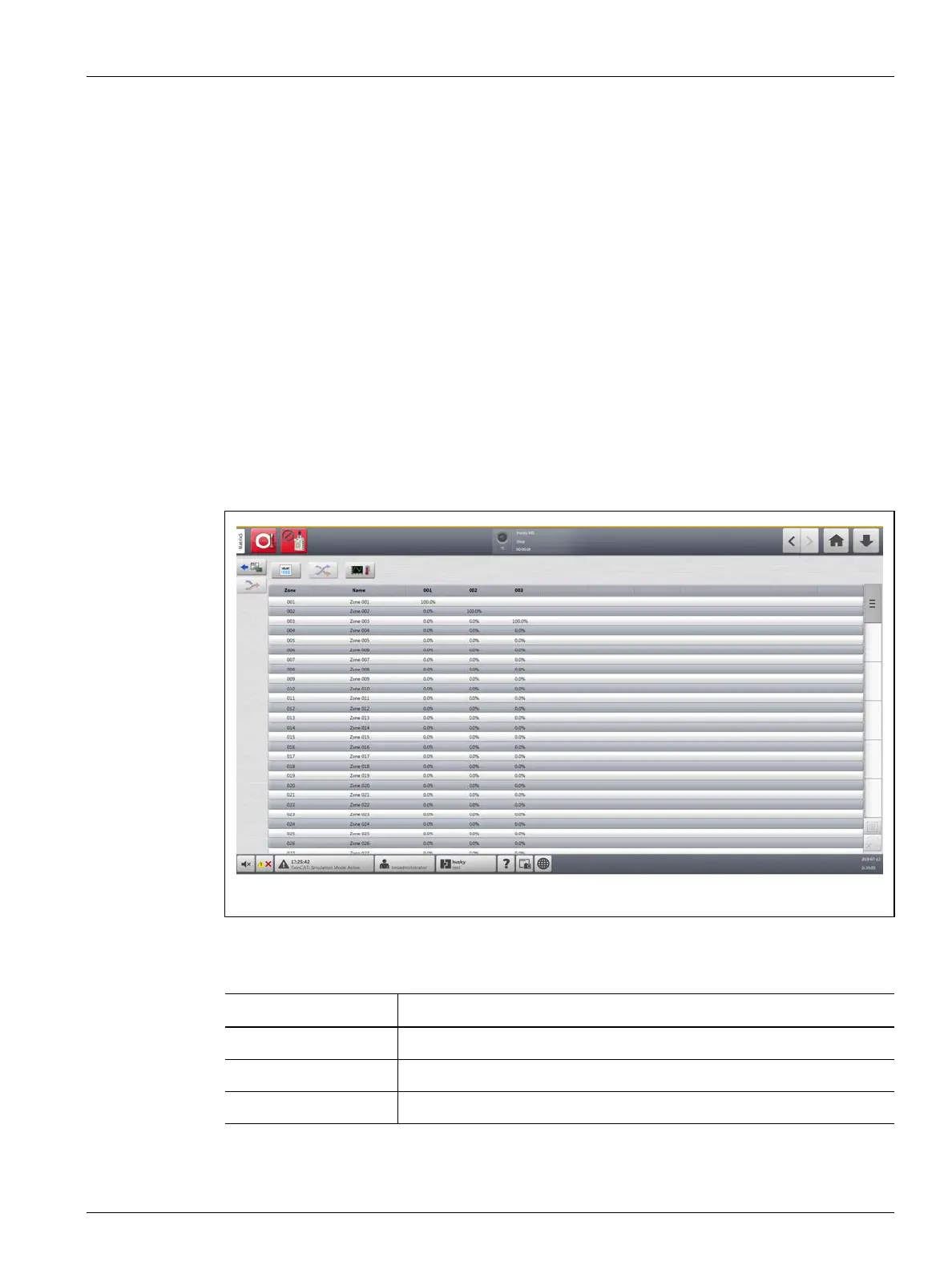
Use the Cross-Talk screen to see how much heat transfer occurs between the zones in the
mold. Refer to Figure 8-3. A zone in a correctly wired mold with no thermal isolation issues
will show 100%, while all other zones will show 0%.
For example, Zone 9 completes the test and shows 100%, but Zone 10 shows 60%. If Zone 9
increased its temperature by 10
° during the test, Zone 10 increased 60% of the 10°, or 6°,
without added energy applied.
The column information of the Cross-Talk screen is described in Table 8-4.
Figure 8-3 Cross-Talk Screen
Table 8-4 Cross-Talk Screen Column Information
Item Description
Zone Shows the zone number.
Zone Name Shows the name of the zone.
Cross-Talk Shows the percentage of cross-talk between zones.



 To Next Page