Set Screen Security 35
User Guide v 1.0 — February 2020 Security and Administration
5.1.2 Set Screen Security
Use Screen Security to assign what user roles have access to specified features and
operations on the Altanium screens.
The sections that follow describe the screens on which user roles are assigned.
5.1.2.1 Screen Security - Main Screen
Touch the Screen Security tab on the System Setup screen and then touch the Main tab to
see the Main screen user role items. Touch the field next to each item and then select the user
role for that item in the dialog window that shows.
Figure 5-3 shows the Main screen and Table 5-3 describes the user role items.
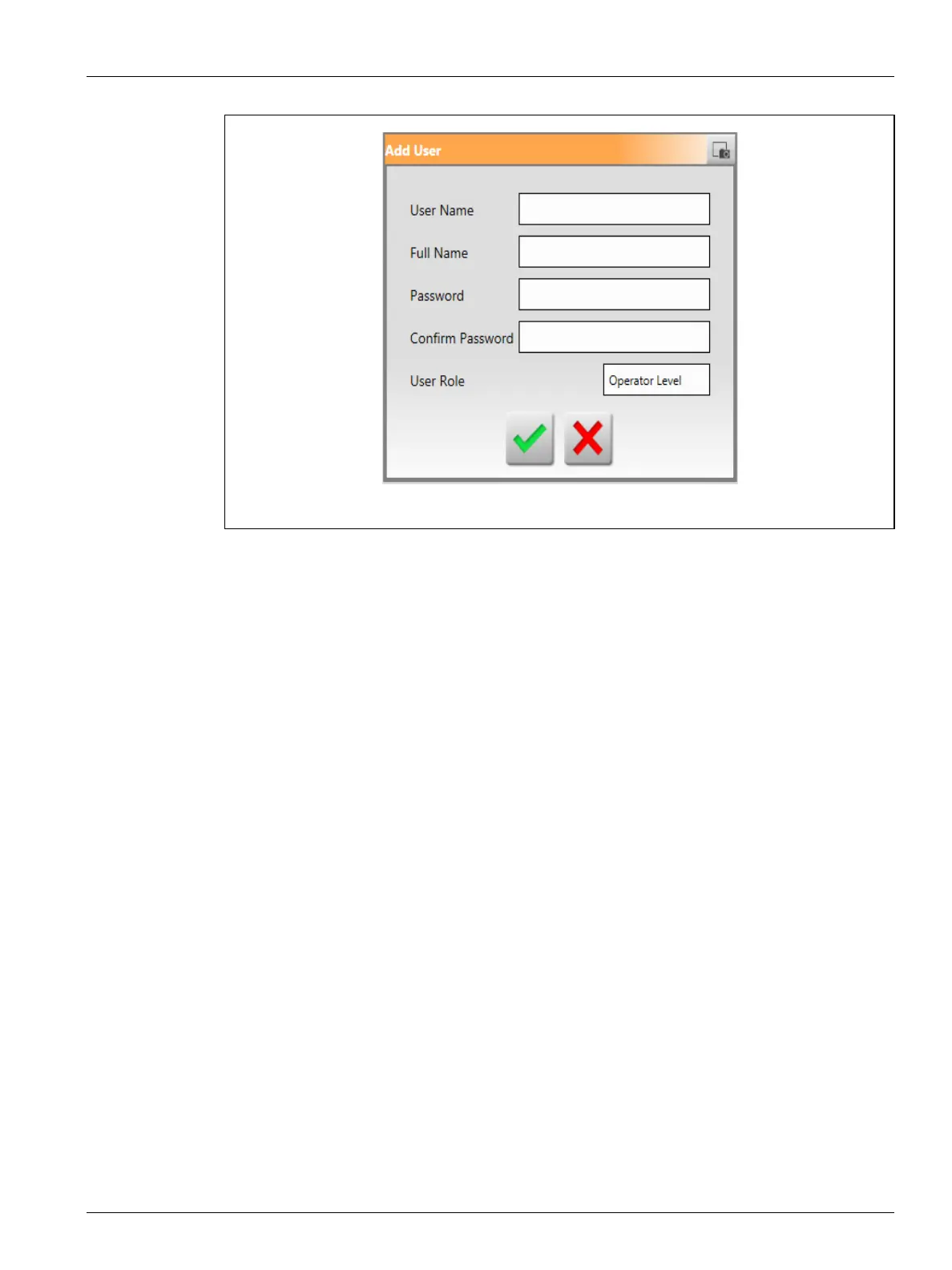
Figure 5-2 Add User Dialog Window



 To Next Page