v 1.0 — February 2020 Altanium Matrix5
166 Process Variable Selector
12.3.4 Process Variable Selector
If you want to filter what you see listed on the process Limits screen, you can use the Process
Variable Selector. This lets you select one or more zone groups, Process Monitoring, and/or
servos (such as UltraSync-E).
To filter what is shown on the process Limits screen, do the following:
1. On the process Limits screen, touch the Process Variable Selector button.
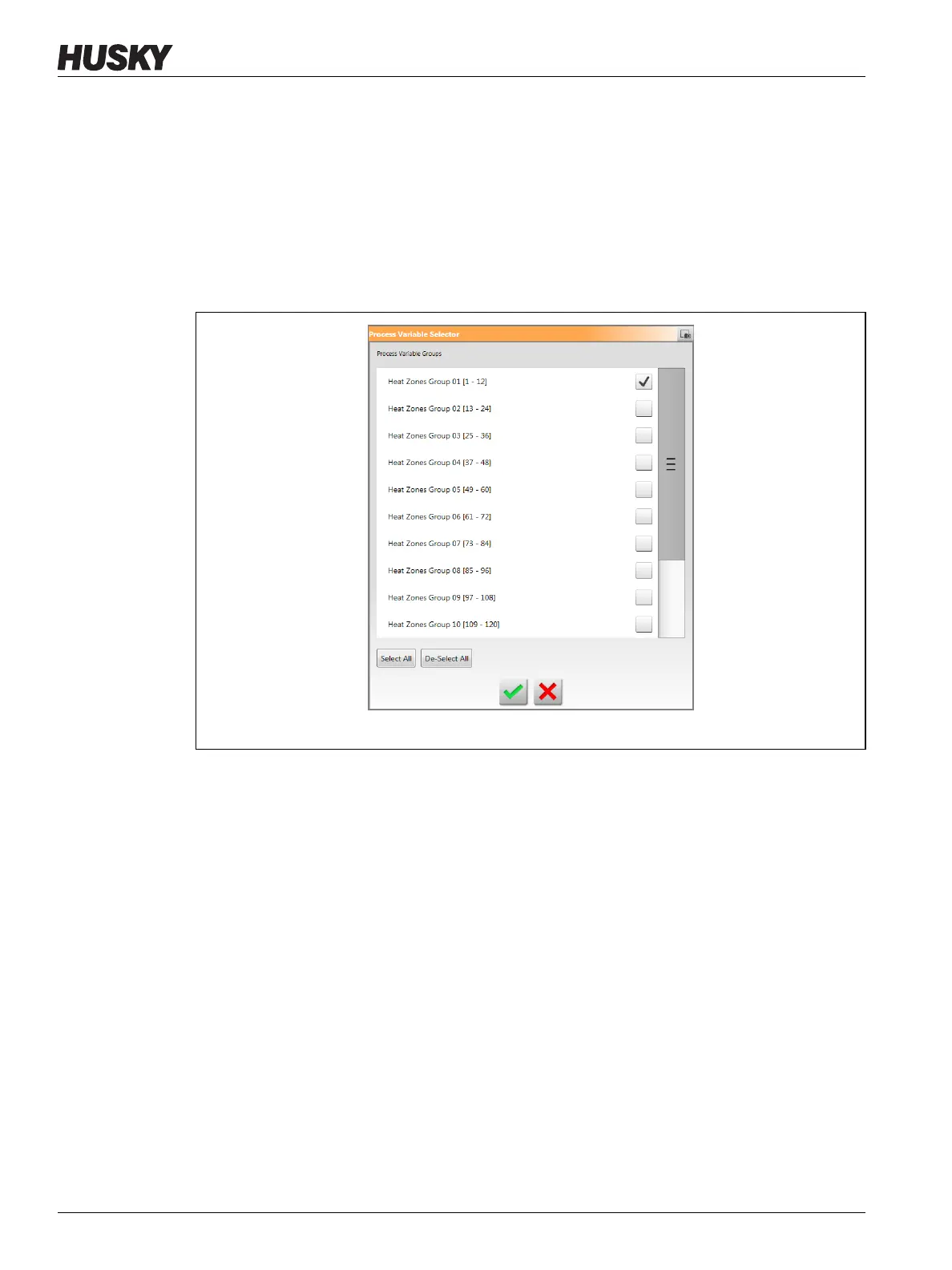
The Process Variable Selector dialog window shows. Refer to Figure 12-7.
2. Touch the check boxes of the items you want to see on the process Limits screen, so
check marks are shown for those items.
3. Touch the Accept button.
Figure 12-7 Process Variable Selector Dialog Window



 To Next Page