v 1.0 — February 2020 Altanium Matrix5
228 Calibrate the Thermocouple Inputs
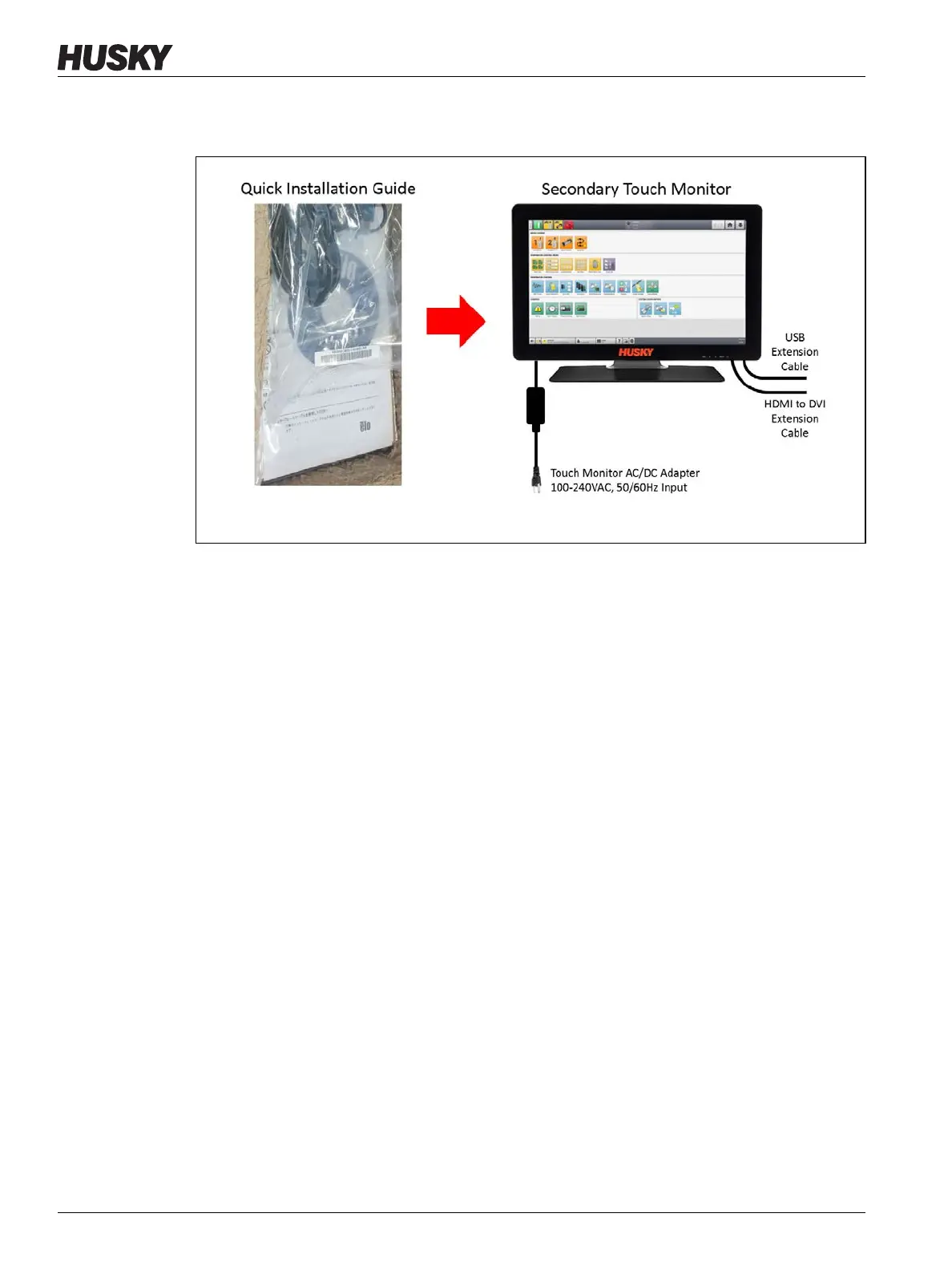
USB Extension cable (USB Type B connector end), and HDMI-to-DVI Extension cable to
the secondary touch monitor. Refer to Figure 15-43.
10. If necessary, remove the lock out equipment and tag from the main power switch.
11. Energize the system at the main power switch.
15.5 Calibrate the Thermocouple Inputs
The system has been factory-calibrated and in most conditions it is not necessary to
recalibrate until the Altanium operated for one year. If calibration is necessary, contact the
nearest Husky Regional Service and Sales office for calibration instructions.
Figure 15-43 Quick Installation Guide



 To Next Page