Install the Remote Operator Interface 215
User Guide v 1.0 — February 2020 Maintenance
11. Remove the lock out equipment and tag from the main power switch.
12. Energize the system at the main power switch.
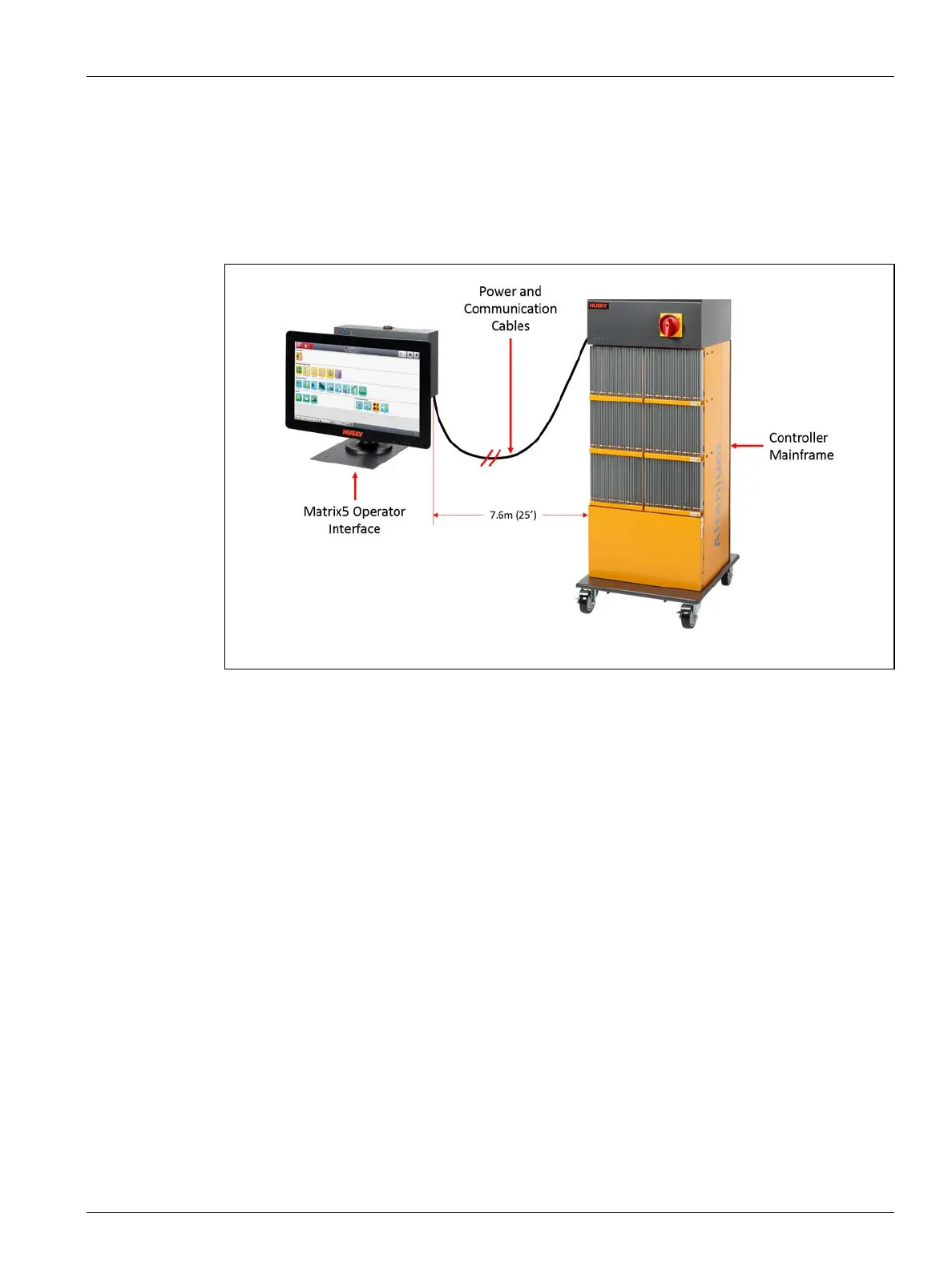
15.4.4 Install the Remote Operator Interface
Installation of the remote operator interface can be:
• Permanently mounted in place with the use of the four mounting holes in the base
plate. Refer to Figure 15-24.
• Set on a flat surface with the use of the supplied rubber leveling pads. Refer to
Figure 15-25.
If the rubber leveling pads are used, install them on the bottom of the base plate with
the supplied cap nuts.
Figure 15-23 Remote Operator Interface



 To Next Page