Select a Language 27
User Guide v 1.0 — February 2020 Altanium Operator Interface
4.2 Select a Language
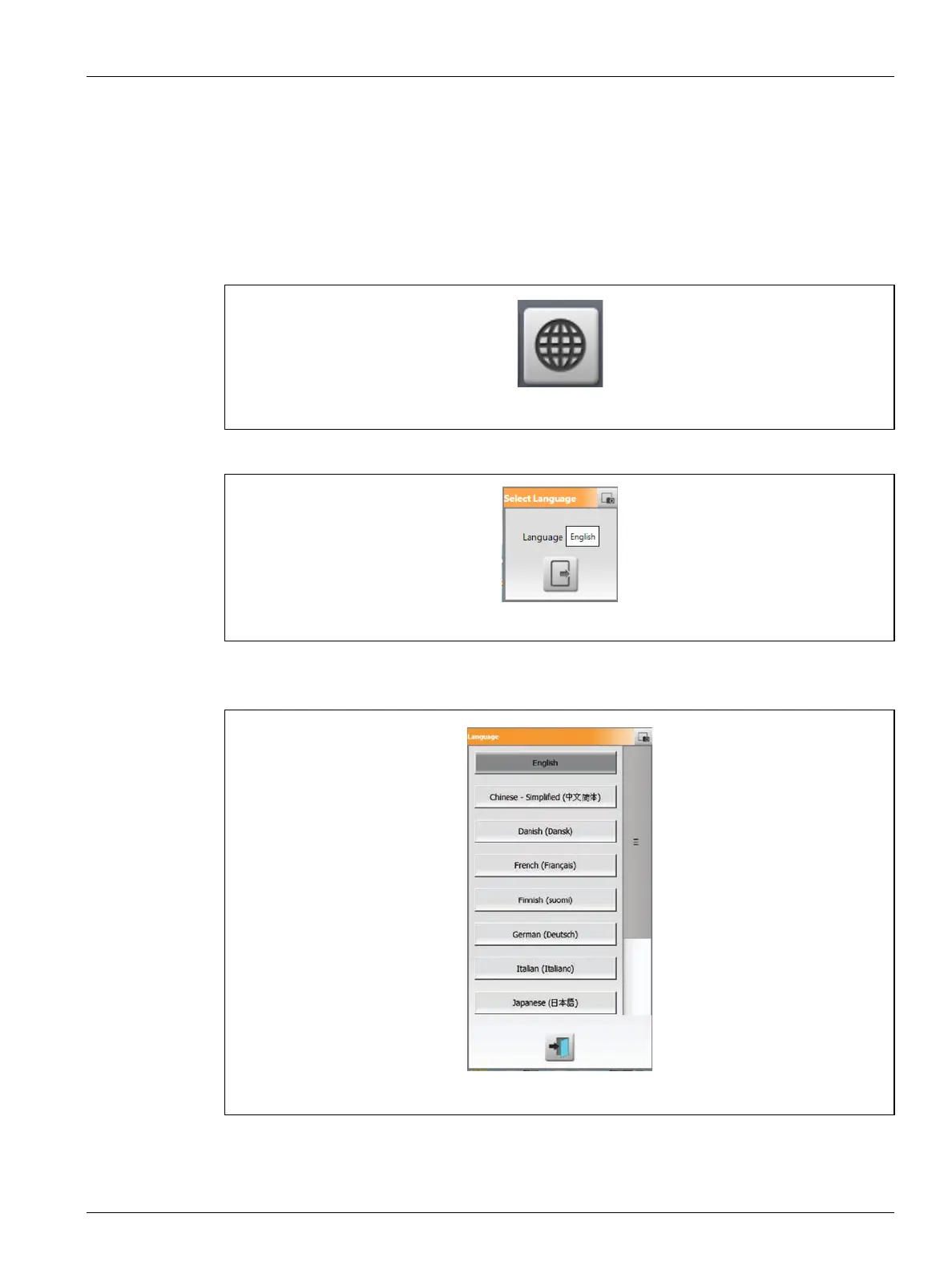
The Altanium screens are available in fourteen languages. The default language is English. All
screens have a Language Selection (globe) icon that shows the available languages.
To select a language, do the steps that follow:
1. Touch the Language Selection button at the bottom of the screen. Refer to Figure 4-2.
A small Select Language dialog window shows. Refer to Figure 4-3.
2. Touch the Language field and a window shows with a list of languages. Refer to
Figure 4-4.
3. Select a language.
4. Touch the Exit button.
Figure 4-2 Language Selection Button
Figure 4-3 Select Language Window
Figure 4-4 Language Selection Dialog Box



 To Next Page