174
Chapter 5 Patterns / Variables
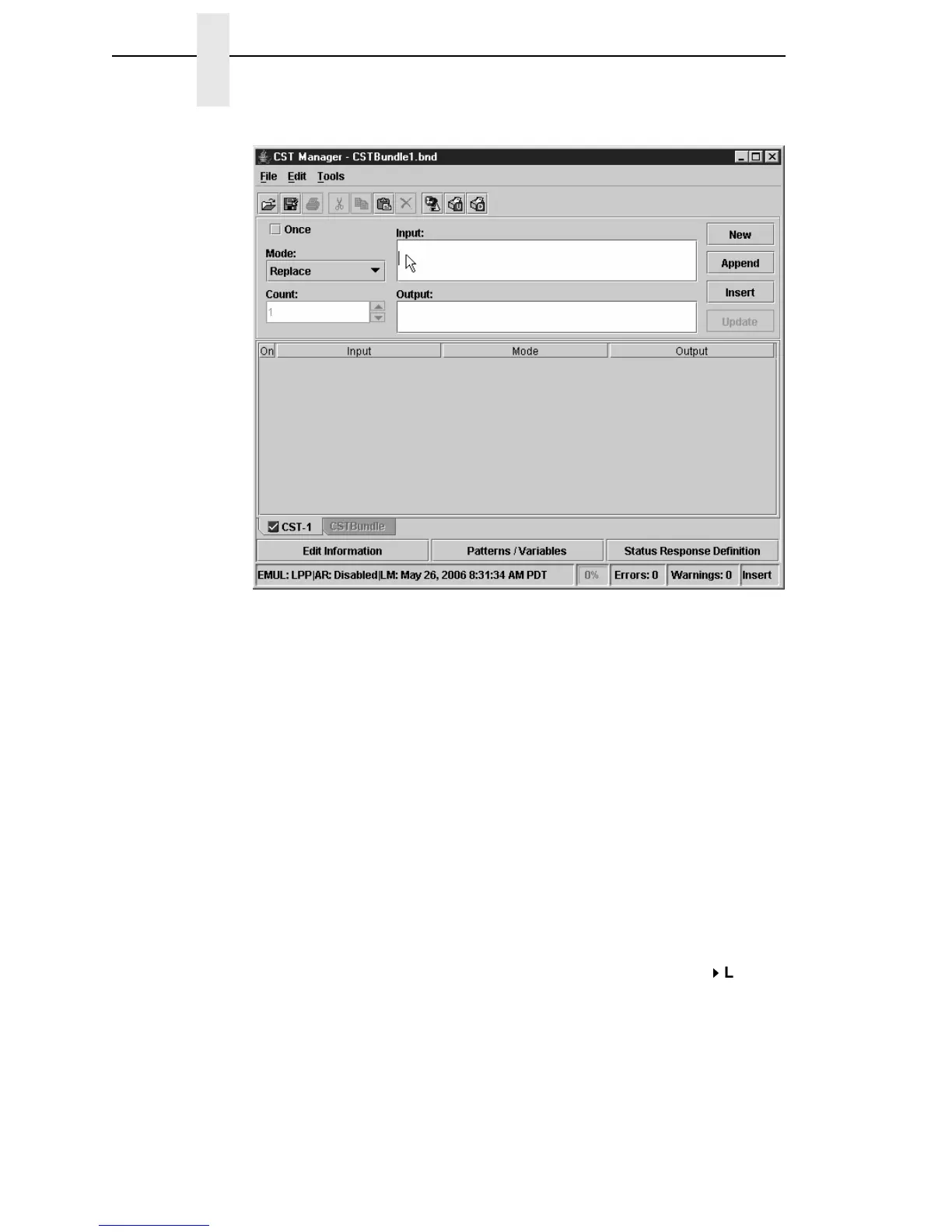
Figure 150. Selecting the Input Field
Now you can use the just defined pattern in the CST. Create an entry in the
CST where the input field specifies the thermal printer 1 command sequence
bbbb
be replaced by the Width pattern and
cccc
be replaced by the Length
pattern.
15. Click the Input field to place the cursor. See Figure 150.
16. Press the down arrow key to enter Hex entry mode.
17. Type 1B (for ESC).
18. Press the up arrow key to enter ASCII entry mode.
19. Type Daaaa,.
20. Right-click to the right of the last character position.
21. Hover the pointer over Insert Pattern. A list of available patterns
displays.
22. Select Width.
23. Press the right arrow key to reposition the cursor and type , (comma).
24. Right-click to the right of the comma and select Insert Pattern
Length.



 To Next Page
 Loading...










