20 Installation, Support, and Maintenance Guide
Evolution X1 Satellite Router
X1 Outdoor Router Interfaces
4.2 X1 Outdoor Router Interfaces
4.2.1 X1 Outdoor Router Panel and LED
The X1 Outdoor Router interface connectors are shown in Figure 4-3 on page 21 and defined in
Table 4-3 on page 21. Recommendations and a cross-reference for the connectors and cables
are further specified in Table 4-4 on page 22. The reset button is shown in Figure 4-3 on
page 21 and is housed above the LAN connector.
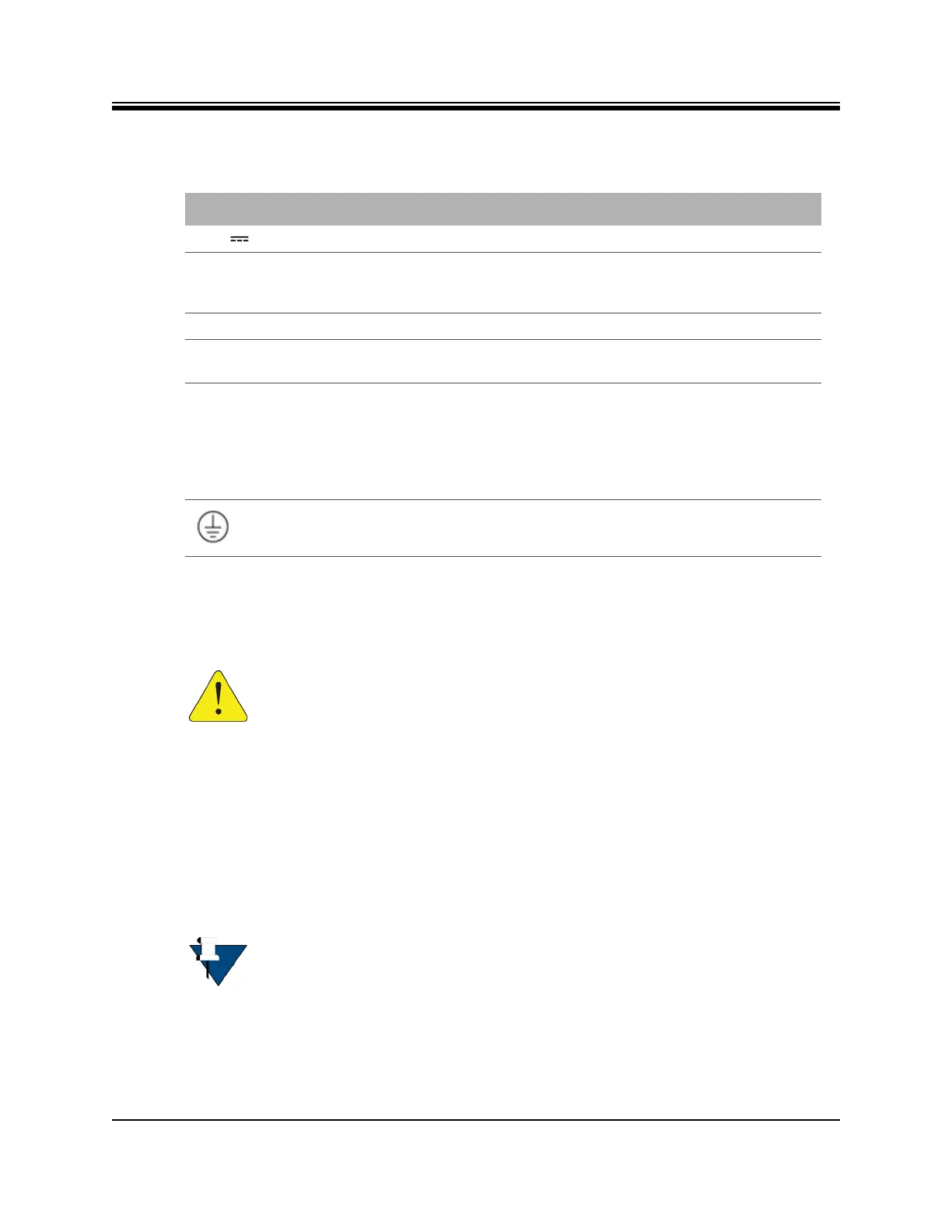
Table 4-2. X1 Router (Indoor) Connectors
Label Connector Type Interface and Purpose
+24V 2.7A CUI 2.5 mm External +24 VDC power supply
TX Out 75 ohm, F-Type L-Band Transmit signal to Block UpConverter (BUC)
capable of 10 MHz Reference and +24 VDC @ 1.5
Amps maximum over operating temperature
RX In 75 ohm, F-Type L-band receive signal and DC power to LNB
Reset, no label Internally recessed
push button
Factory default reset, see Appendix E, X1 Reset on
page 73 for reset button operation
LAN A RJ-45 Category-5 STP or UTP cable, 10/100
Base-T Ethernet LAN port connects the X1 Router
to the customer LAN Hub/switch.
The LAN port is normally assigned to the WAN
(towards the VPN). Its IP address is the next hop
for the VPN.
4-40 mounting stud Chassis ground
CAUTION: Install where access to the connectors is unobstructed.
NOTE: X1 Outdoor Router has only one LED. However, during installation, the Web
Interface (Web iSite) provides four simulated LEDs, reflecting the LEDs, similar to
the X1 Router (Indoor). The simulated LED displayed colors (red, yellow, green)
indicate the state of the X1 Outdoor Router and are documented in the iDX Web
iSite User Guide, iDX Satellite Router Installation and Commissioning Guide, and
iDX Release Notes. The definitions of the states may be software version
dependent.













 To Next Page