Installation, Support, and Maintenance Guide 25
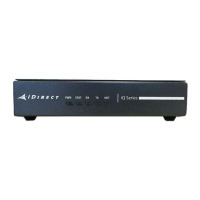
Evolution X1 Satellite Router
5 X1 Router (Indoor)
Installation
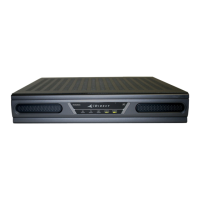
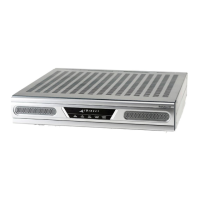
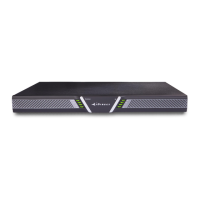
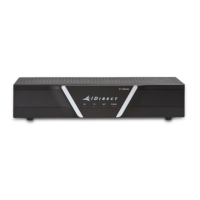
This chapter describes the guidelines and procedures for installing the iDirect Evolution X1
Satellite Router (Indoor) at the VSAT location.
This chapter contains the following sections:
• Section 5.1, X1 Router (Indoor) Installation at a Glance on page 26
• Section 5.2, Unpacking X1 Router (Indoor) Equipment on page 27
• Section 5.3, Components Typically Included in an Order on page 27
• Section 5.4, X1 Router (Indoor) Mounting on page 28
• Section 5.5, Installation with AC (Option 1) or DC (Option 2) Power Supplies on page 28
• Section 5.6, Powering on the X1 Router (Indoor) on page 29
• Section 5.7, Preparing the PC/Laptop for Connection to the X1 Router (Indoor) on
page 30
• Section 5.8, Monitoring the LEDs on page 31
• Section 5.9, Configuring the X1 Router (Indoor) on page 32
NOTE: Thoroughly review all the information in Chapter 2, Safety on page 3
before attempting the procedures in this chapter.



 To Next Page