66 Installation, Support, and Maintenance Guide
Evolution X1 Satellite Router
Console Port Pinouts and RJ-45-DB9 Female DTE Adapter Pinouts
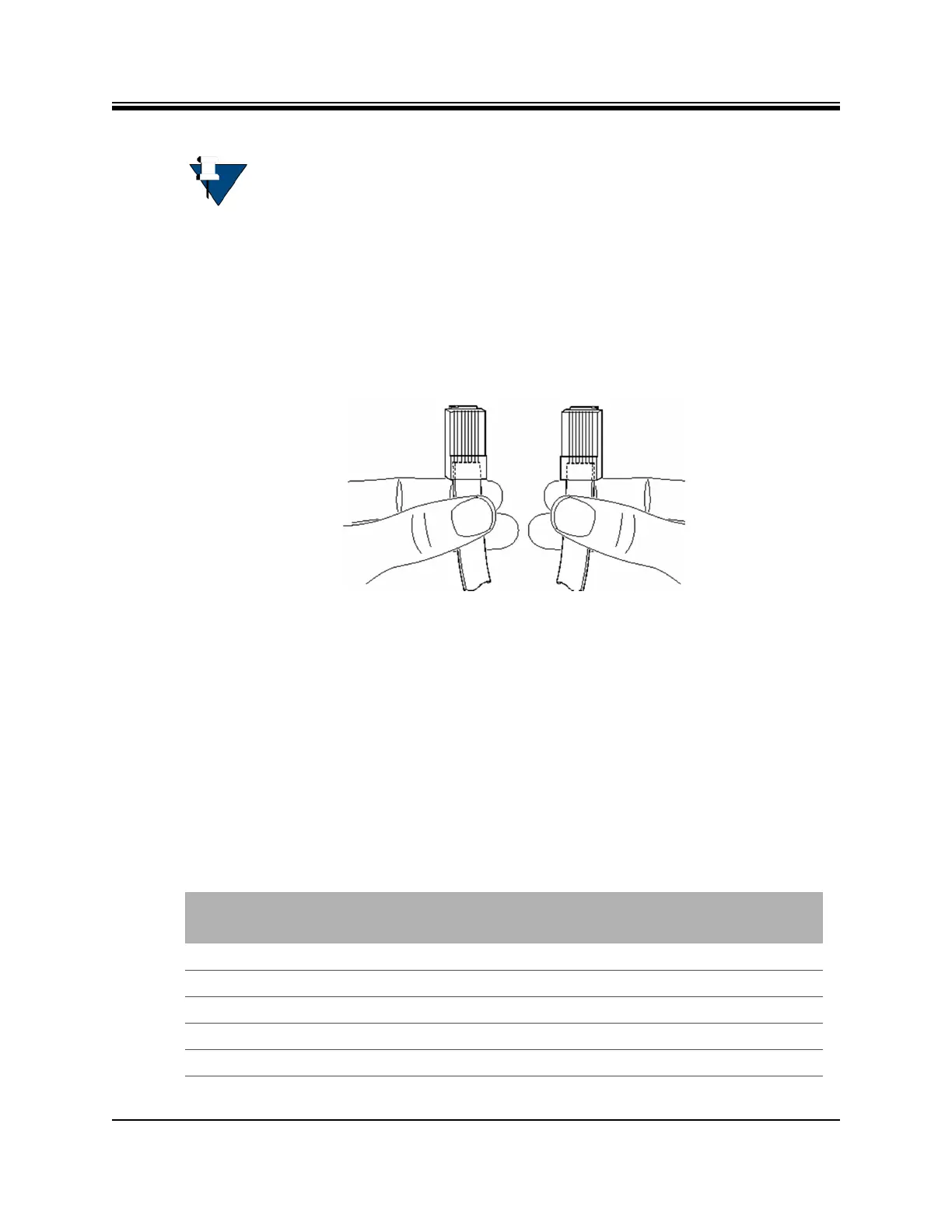
Be sure the Ethernet cable is a straight through cable. To determine the type of RJ-45 cable,
examine, holding the cable ends as depicted in Figure C-2 the sequence of the colored wires
as follows:
• Straight through — The colored wires are in the same sequence at both ends of the cable
• Crossover — The first (far left) colored wire at one end of the cable is the third colored
wire at the other end of the cable, and the second colored wire at one end of the cable is
the sixth colored wire at the end of the cable
Figure C-2. Holding the RJ-45 Cable Connectors
C.2 Console Port Pinouts and RJ-45-DB9 Female DTE
Adapter Pinouts
The Console port may use the Ethernet net port (NET) described it the above section, or, if a
PC is running terminal emulation software, then, an RJ-45 to RJ-45 straight cable and RJ-45 to
DB-9 female DTE adapter may be used to connect the console port to the PC running terminal
emulation software.
The signal and pinouts for the asynchronous serial console port of the X1 Router and the RJ-45
to DB-9 female DTE adapter are listed in Table C-2.
NOTE: iDirect supplies one 7-foot Category 5 UTP cable to connect the X1 Router
to the LAN hub or switch. If additional cables or different lengths are needed,
they may be bought commercially.
Table C-2. RJ-45 to DB-9 Pinouts
Console Port
(DTE)
RJ-45 Pin Color Code
RJ-45 to DB-9
Terminal Adapter
Console
Device
RTS 1 Blue 8 CTS
DTR 2 Orange 6 DSR
TxD 3 Black 2 RxD
GND 4 Red NC GND
GND 5 Green 5 GND













 To Next Page