44 Installation, Support, and Maintenance Guide
Evolution X1 Satellite Router
Preparing and Connecting the Coax RX and TX cables
6.8 Preparing and Connecting the Coax RX and TX
cables
Table 6-2 describes connecting the RX and TX coax cables.
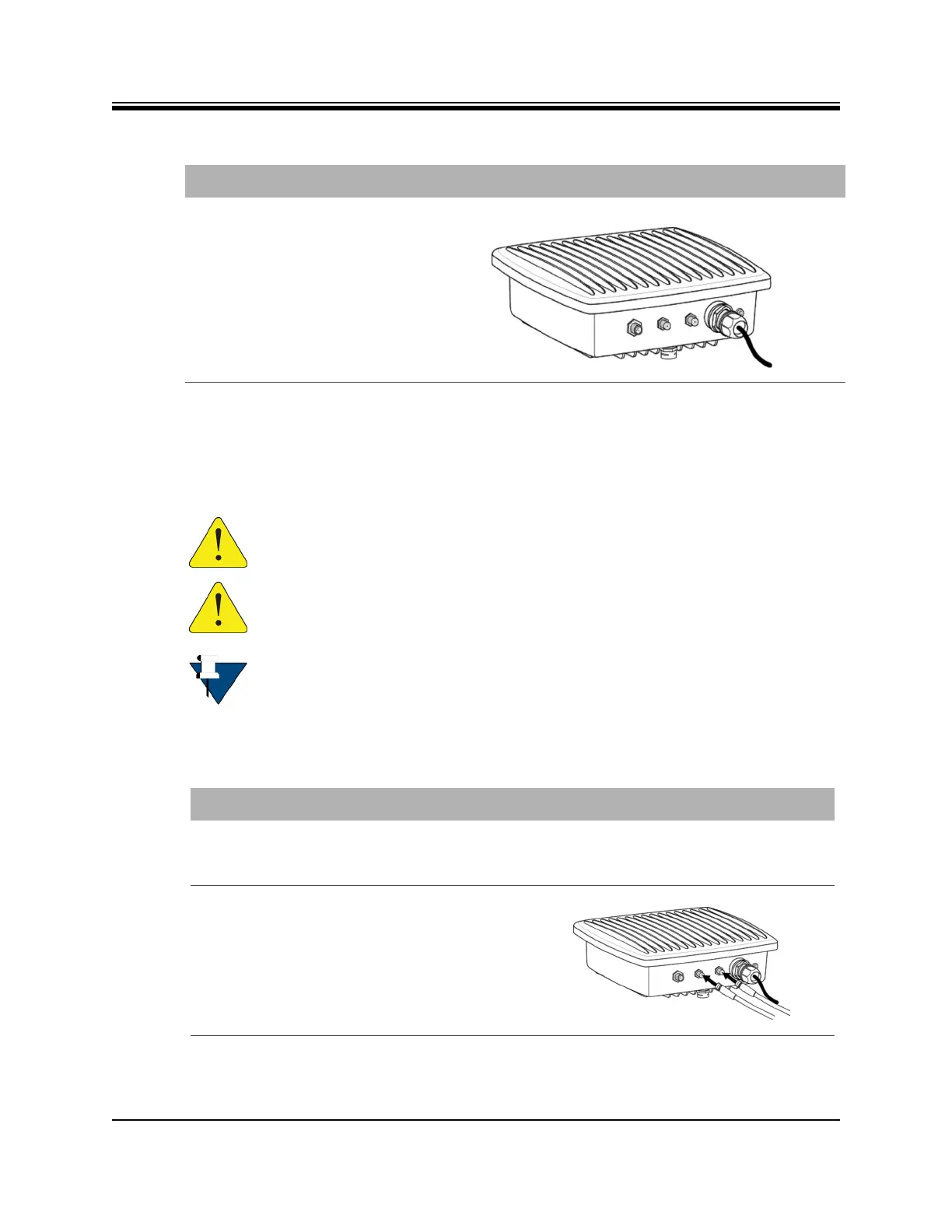
4. Completed and connected LAN
assembly shown.
Table 6-1. RJ 45 LAN Ethernet Cable Installation Steps (continued)
Step Instructions Diagram
CAUTION: After tightening the power connectors, wrap with weatherproofing
(self-amalgamate) tape, if necessary, following manufacturer’s guidelines.
CAUTION: All cables should be installed with a drip loop or service loop.
NOTE: The X1 Outdoor Router connectors and cables for power, TX, RX, and
Ethernet may be attached before or after mounting on a wall or pole.
Table 6-2. Coax RX and TX Cable Installation
Step Instructions Diagram
1. Prepare the ends of the coaxial cables (F
connectors) for outdoor use.
For preparation diagram details see
Appendix B, Preparing the Coax Cable on
page 61.
2. Insert F connector assemblies into RX-in
interface and lock the connector.













 To Next Page