Installation, Support, and Maintenance Guide 71
Evolution X1 Satellite Router
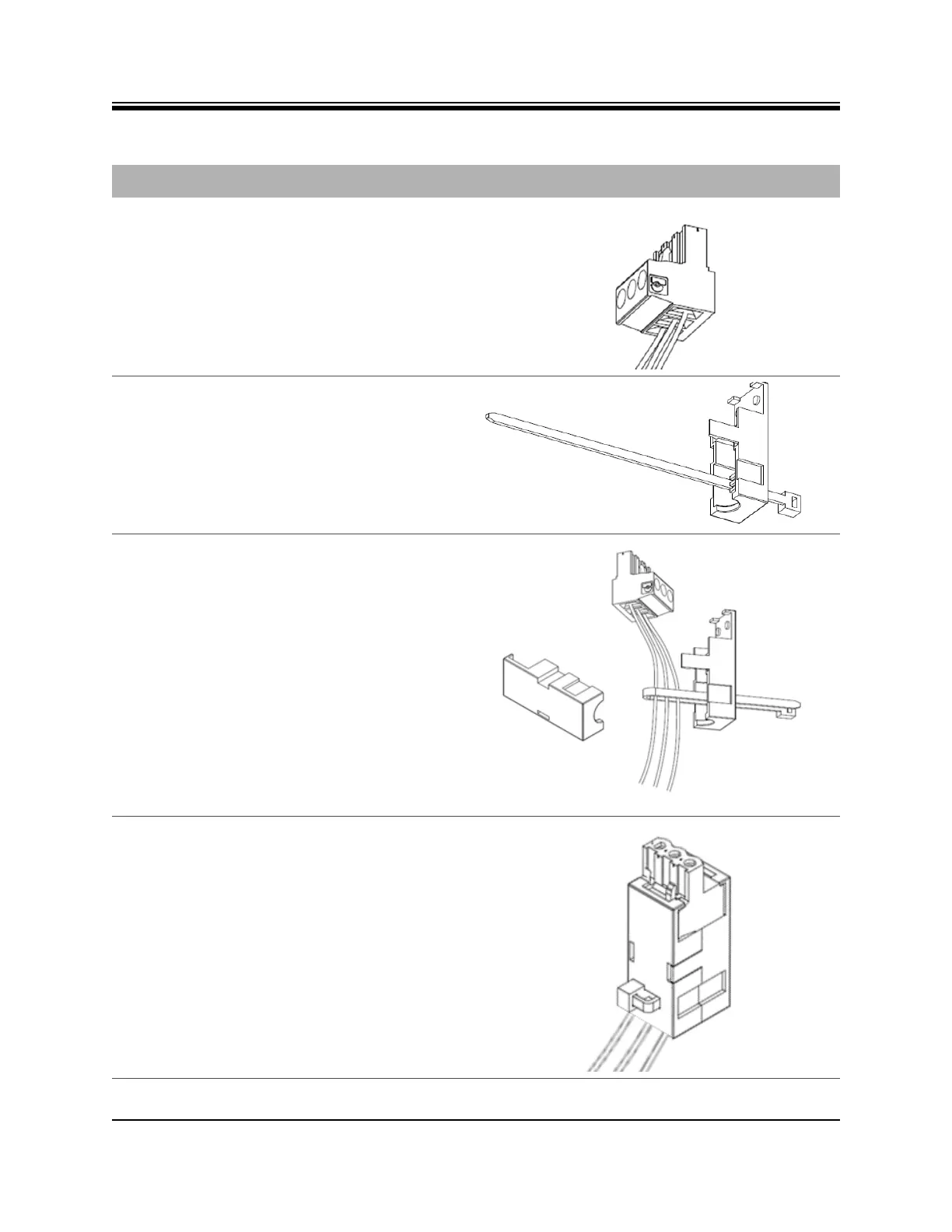
2. Loosen the three screws on the terminal
block plug . Insert DC (-), DC (+), and
ground wires into the corresponding
terminals of the DC terminal block plug.
Fasten securely. Do not over-tighten.
3. Insert the cable tie through one of the
holes in the right half of the strain relief
clip.
4. 1. Wrap the cable tie around the wires, and
tighten.
2. Insert the “three screw end” of the
terminal block plug into the half of the
strain relief clip. Be sure the two end
screw holes fit securely into the two
small protruding screw holders.
5. Clip the other half of the strain relief clip
around the cable entry housing and tighten
the cable tie.
Table D-2. Power Module Power Cable Installation Instructions Detail
Step Instructions Diagram













 To Next Page