103
HDK-99 1803 VER1 (E)
5
CAMERA SETTINGS and ADJUSTMENT
5.2 Settings from the Menu
E4
Turn the rotary pulse switch to position the cursor
on "FILE SET", and press the SET button.
The cursor moves to the mode selection column.
E5
Turn the rotary pulse switch to position the cursor
on "MANUAL", and press the SET button.
E6
Turn the rotary pulse switch to position the cursor
on the AUTO SEL NAME display part, and press
the SET button.
The item changes to "MODEL", and the letters
"CANCEL" ash.
Reference:
If "AUTO SEL NAME" is not set, the AUTO SEL NAME display part does not display the lens model name.
Connect the target lens, perform "AUTO READ", and then follow the procedures below.
Refer to Steps M1 and M2 for performing "AUTO READ".
E7
Turn the rotary pulse switch to switch the cursor
from "CANCEL" to "EDIT", and press the SET
button.
The under submenu "AUTO SEL NAME EDIT" is
displayed.
E8
Turn the rotary pulse switch to position the cursor
on the part for displaying the lens name to be
edited, and press the SET button.
The item changes to the edit mode and ( ) at both ends
ash.
▲
NUMBER NO.5
NAME ( )
(AB40X10 ABCD )
EXTENDER OFF
AUTO SEL OFF
FILE SET OFF
LENS TYPE ***
AUTO X0.8 CONV OFF
LENS SERIAL I/FOFF
LENS SELECT
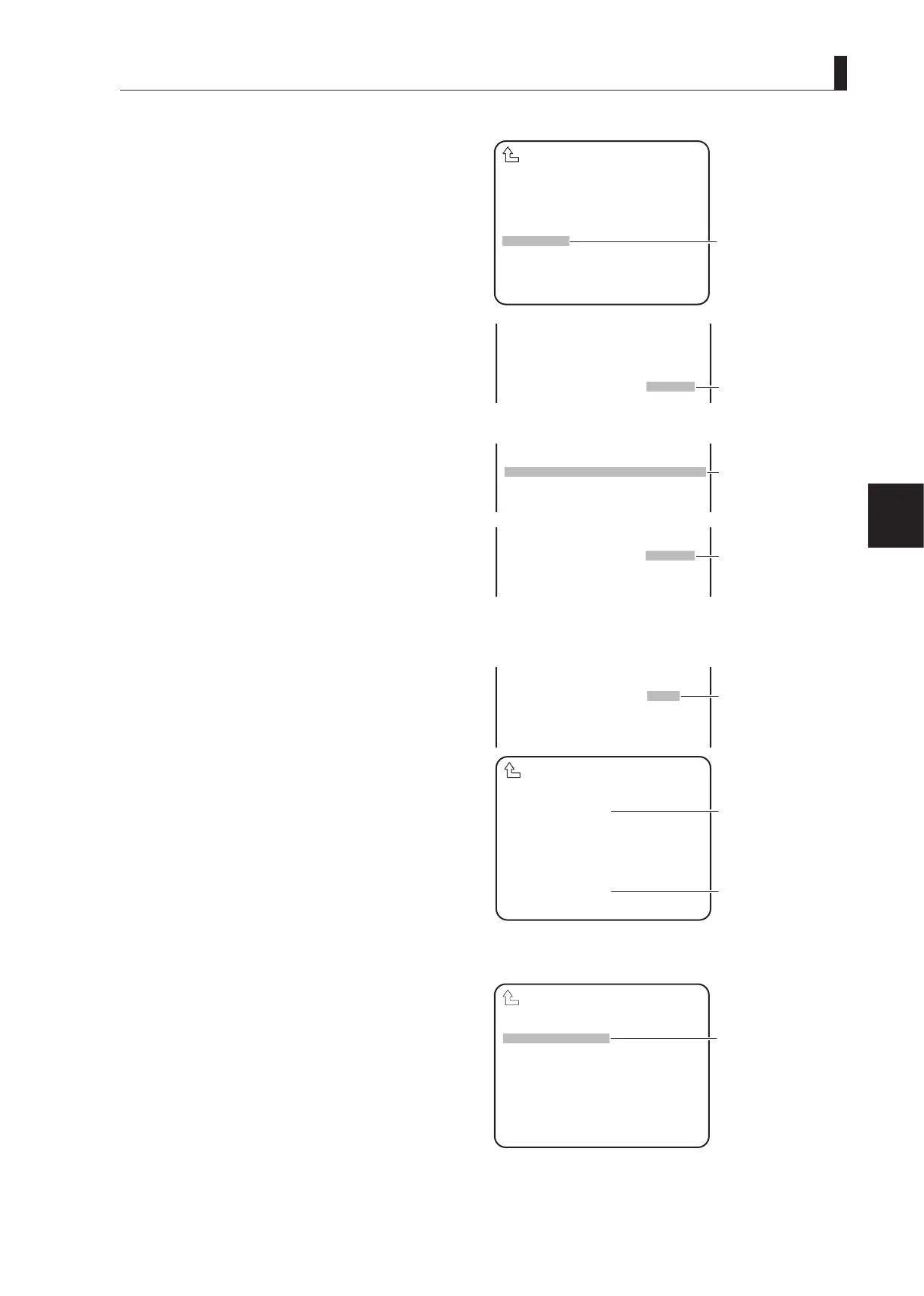
E④
Position the cursor on
"FILE SET" and confirm.
▲
NAME ( )
(AB40X10 ABCD )
EXTENDER OFF
AUTO SEL OFF
FILE SET MANUAL
LENS TYPE ***
E⑤
Position the cursor on
▲
NAME ( )
(AB40X10 ABCD )
EXTENDER OFF
AUTO SEL OFF
FILE SET MANUAL
▲
NUMBER NO.5
NAME ( )
MODEL CANCEL
EXTENDER OFF
AUTO SEL OFF
E⑥
Position the cursor on
the AUTO SEL NAME
display part and confirm.
The letters "CANCEL"
flash.
▲
AUTO SEL NAME EDIT
(AB40X10 ABCD )
NOW CONNECTED LENS
(AB40X10 ABCD )
AUTO SEL NAME EDIT
▲
NAME ( )
MODEL EDIT
EXTENDER OFF
AUTO SEL OFF
FILE SET MANUAL
LENS TYPE ***
E⑦
Switch the cursor to
"EDIT" and press confirm.
(Part for displaying the
lens name to be edited)
Displays the lens model
name to be edited.
(Connected lens name
display part)
Displays the model name
of the lens currently
connected.
▲
AUTO SEL NAME EDIT
(AB40X10 ABCD )
NOW CONNECTED LENS
(AB40X10 ABCD )
AUTO SEL NAME EDIT
E⑧
Position the cursor on
the part for displaying
the lens name to be
edited and confirm.



 To Next Page