2
NAME and FUNCTION
15
HDK-99 1803 VER1 (E)
2.1 Camera and Viewfinder
⑬
SHUTT/SUP-V switch
Switches between the shutter speed and Super V function. The function working is
displayed on the viewnder.
SET : Set Super V/Shutter mode.
ON : Super V/Shutter mode is on.
OFF : Shutter or Super V mode is off.
⑭
FILTER HEAD switch
Gives the camera the operational control of the Color Conversion (CC) lter and Neutral
Density (ND) lter settings. When the camera is connected to the CCU and has operational
priority over the CCU, an asterisk (*) will appear beside the selected CC and ND lter on
the viewnder screen.
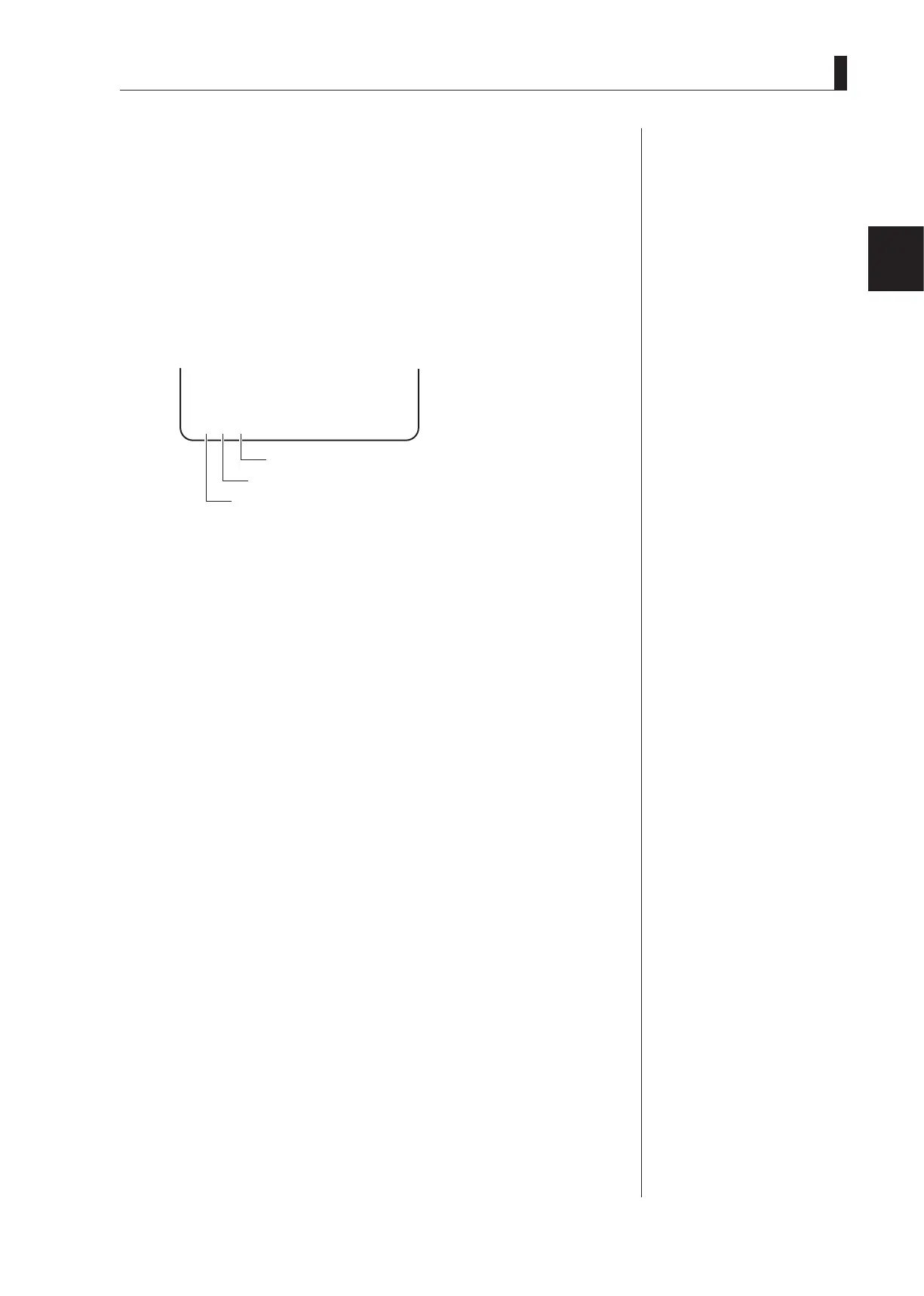
*
2B
Viewfinder screen
Displays "*" when the camera has operational priority.
Displays the selected CC filter.
Displays the selected ND filter.
At the same time, the FILTER local indicator on the switch control panel lights, enabling
you to select each lter using the CC FILTER switch and ND FILTER switch.
⑮
CC FILTER switch
Selects the CC lter from the camera
A : CROSS
B : 3200K
C : 4300K
D : 6300K
E : 8000K
⑯
ND FILTER switch
Selects the ND lter from the camera
1 : CAP
2 : CLEAR
3 : 1/4
4 : 1/16
5 : 1/64
⑰
FILTER local indicator
Lights when the CC lter and ND lter are selected on the camera.
⑱
AWB/ABB switch
Automatically adjusts white balance, black balance.
AWB : By setting this switch to the AWB position, automatic adjustment of white balance
starts. The adjusted value is stored in A-ch or B-ch memory.
ABB : By setting this switch to the ABB position, automatic adjustment of black balance
starts. The adjusted value is stored in memory.
⑲
AWB SELECT switch
Selects a memory for auto white balance. AWB settings can be stored in two memories,
A-ch and B-ch, so they can be selectively used depending on different conditions.
A : A-ch memory
B : B-ch memory
OFF : White balance adjustment is in the preset condition (3200K).
Reference:
The shutter speed is set
from the menu. Refer to
"5.
CAMERA SETTINGS and
ADJUSTMENT : Selecting
Shutter Speed" (P76)
for
setting.
Note:
The AWB Select defaults to the
OCP in system conguration
with the CCU-980.



 To Next Page