9
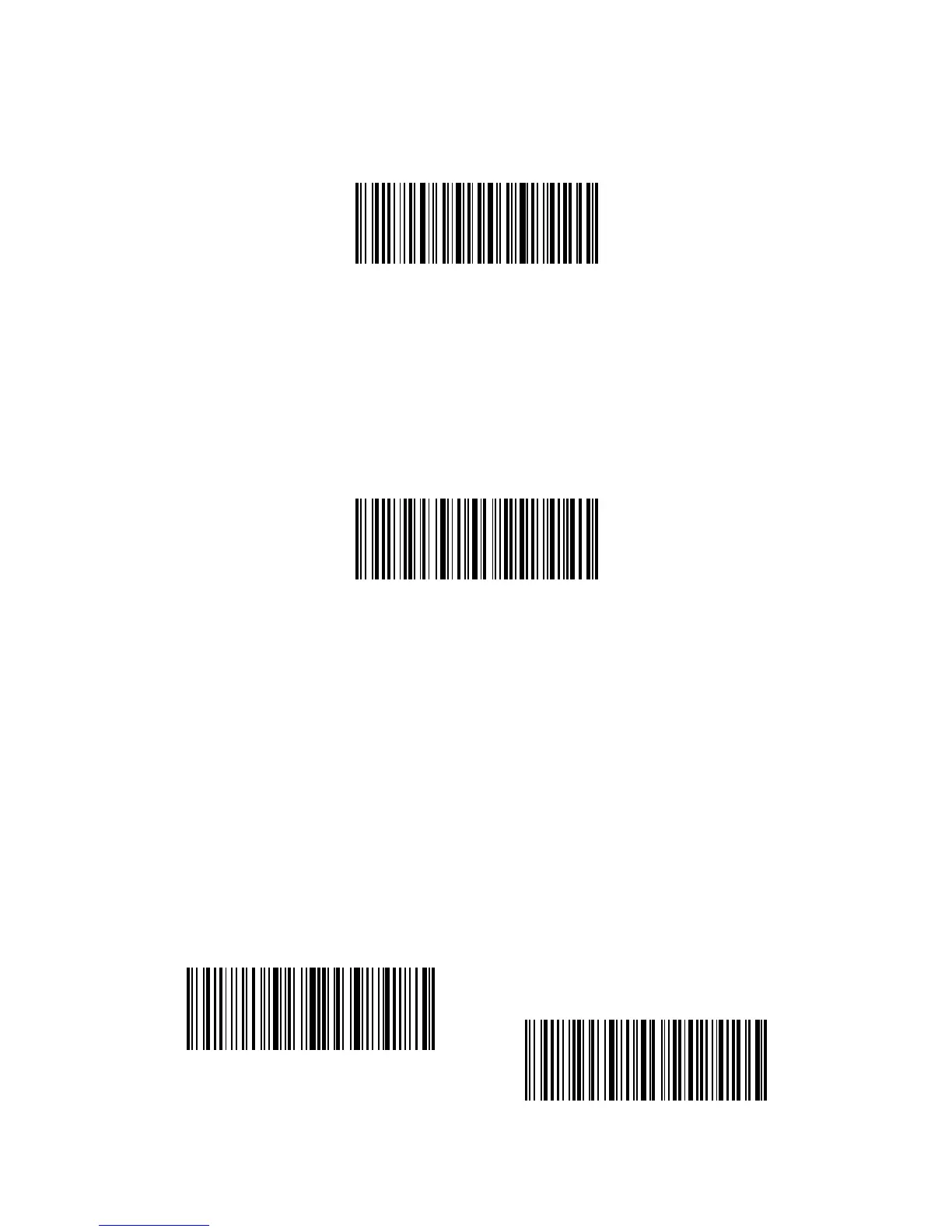
Exit without Save
“Exit without Save” barcode is suggested to scan when error setup occurs. And just
like the response of scanning barcode “Enter with Save”, the Inateck BCST-33 Barcode
Scanner will respond with three chord sounds, and the green LED indicator goes o.
Restore Factory Defaults
“Restore Factory Defaults” barcode is a special barcode, which the Inateck BCST-
33 Barcode Scanner will respond with two beeps (tone from low to high) after
successfully scanning. At this time, the system of scanner could restore factory
defaults, and there’s no need to scan"Exit with Save" barcode again.
Note: Most of the settings have factory defaults selection. The factory default value
for each setting is indicated by an asterisk "*".
“Restore Factory Defaults” barcode can be used under following circumstances:
1. The scanner doesn’t work. For example, it cannot read/ scan any barcodes.
2. You forget the settings you did to the scanner before, and you don't want to be
aected by the forgotten settings when you use the scanner.
3. You are to use a function which is not usually used and want to restore defaults
after using it.
Check Software Version
If you want to check the software version of Inateck BCST-33, you should scan the
“Enter Setup” and “Output Software Version” barcode:
Enter Setup
Output Software Version
Exit without Save
Restore Factory Default



 To Next Page