8
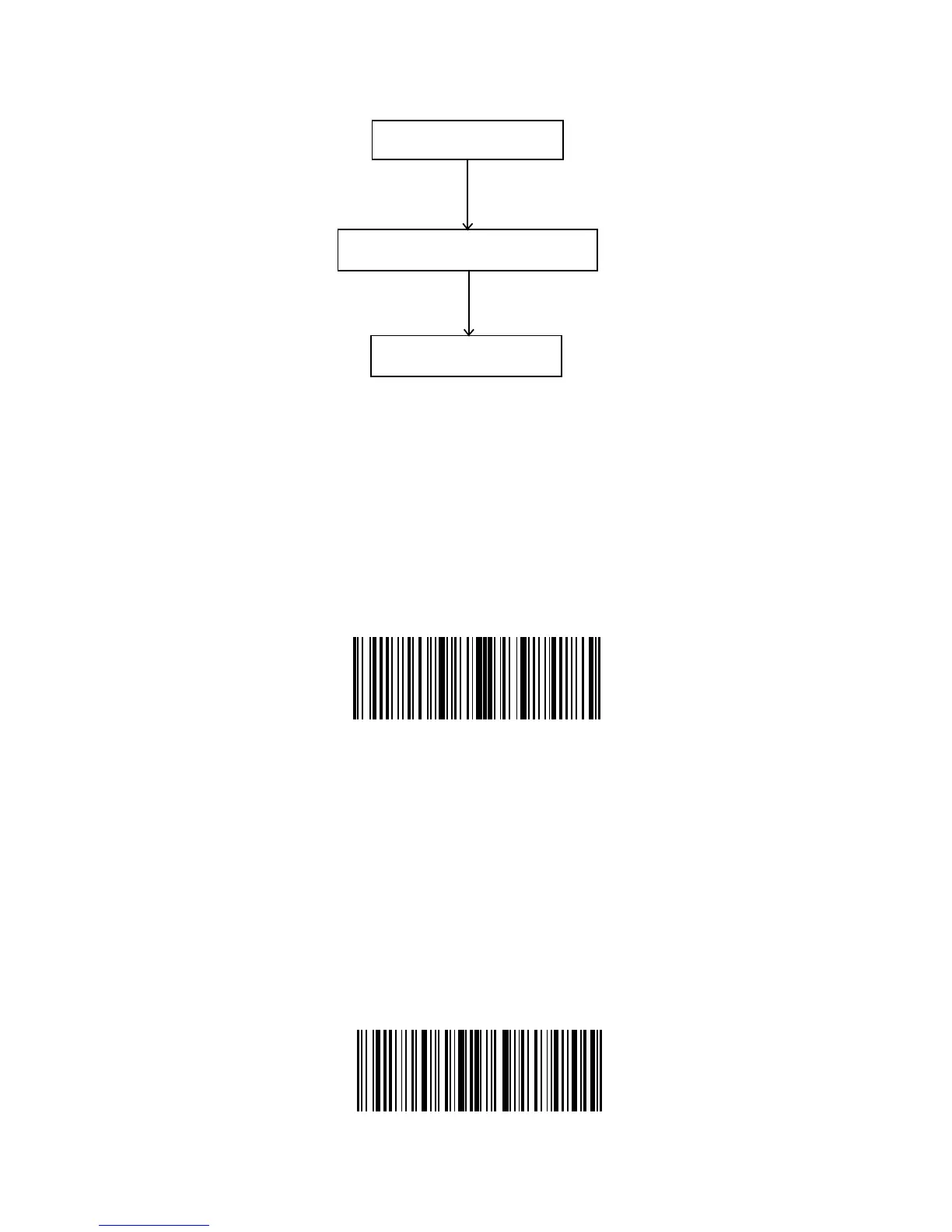
The ow chart of Setup
Enter the Setting Mode
“Enter setup” barcode will emerge in this and the following chapters of manual, the
Inateck BCST-33 scanner will go into setting mode once this barcode is scanned
successfully.
Once the barcode is scanned successfully, the Inateck BCST-33 Barcode Scanner
will respond with three chord sounds, and the LED2 indicator will be on with color
becoming green.
Instruction below will explain other function settings of the Inateck BCST-33 Barcode
scanner.
Exit with Save
“Exit with Save” barcode will emerge in this and the following chapters of manual,
the Inateck BCST-33 scanner will exit setting mode once this barcode is scanned
successfully.
Once the barcode is scanned successfully, the Inateck BCST-33 Barcode Scanner will
respond with three chord sounds, and the green LED goes o.
Enter Setting
Read a setup barcode
Exit with Saving
Enter Setup
Exit with Save



 To Next Page