7
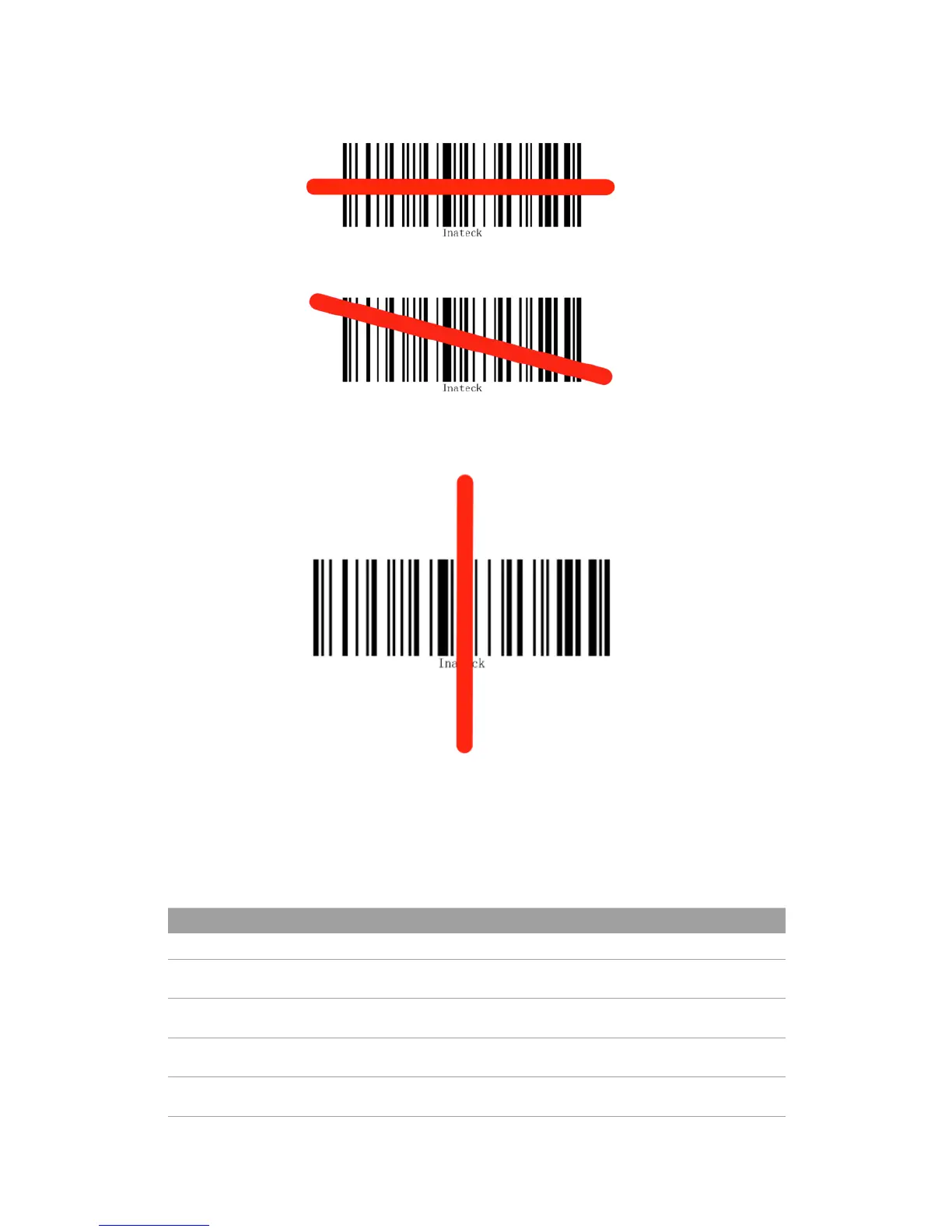
Correct Aiming
Incorrect Aiming
QUICK START
Settings of the Inateck BCST-33 Barcode Scanner can be changed by Scanning
the setup barcodes included in this manual. This section describes the procedure
of setting the Inateck BCST-33 Barcode Scanner by scanning the setup barcodes.
Examples are demonstrated as below.
Steps Operations Feedback
1 Connect BCST-33 to computer to activate it A beam of red laser comes out from BCST-33
2 Read “enter setting mode” barcode BCST-33 responds with three chord sounds, green LED lit
3 Read a setup barcode like: BCST-33 beeps twice (tone turns from low to high)
4 Read “exit with save” barcode BCST-33 responds with three chord sounds, green LED o
Note: When error setup occurs, for example, when accidentally scan a barcode other than setup barcodes under setting
mode, BCST-33 will let out a high note sound.



 To Next Page