64
4.10 Recognize Barcode with Specic Initial Character Only
Inateck BCST-33 supports only recognizing barcode with specific beginning
characters. You can add up to 6 specific beginning characters. Please refer
to Appendix 1 to see supported specific characters. Inateck BCST-33 defaults
recognizing barcode with any starting character.
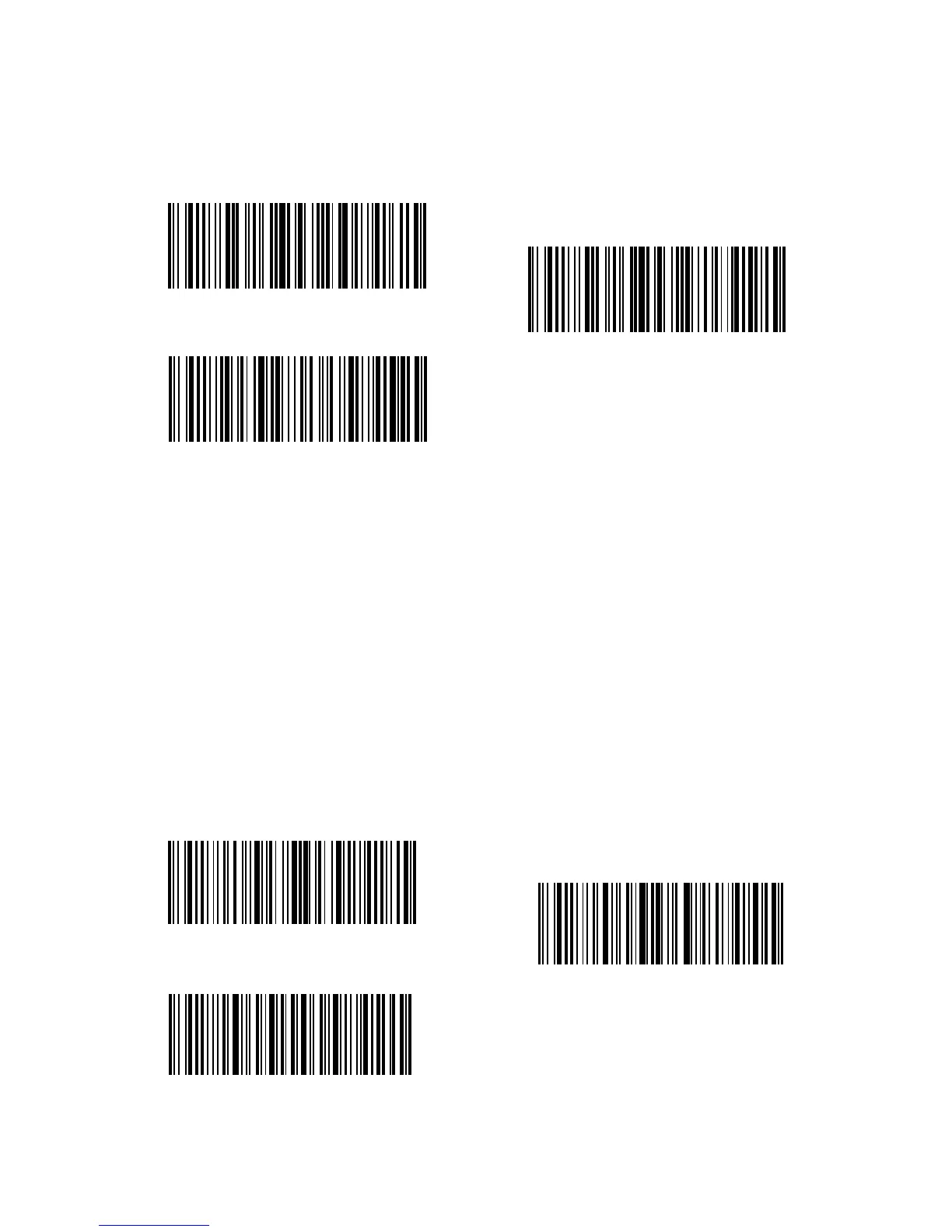
For example, if you want the BCST-33 to read only barcodes starting with “A” or “6”,
Please follow the steps below:
1. Read “Enter Setup”;
2. Read “Recognize Specic Beginning Characters”;
3. Read “A” in Appendix 1;
4. Read “6” in Appendix 1;
5. Read “Exit with Save”.
Note: When you have set the specic beginning characters by following the above
steps, Inateck BCST-33 automatically turns on the function of recognizing barcodes
with specic beginning characters only. If you want to disable the function, please
read barcodes “Enter Setup” - “Recognize Barcodes with Random Beginning
Character” - “Exit with Save” in turn.
Enter Setup
Recognize Specic Beginning Character
Exit with Save
(*)Recognize Barcodes with Random
Beginning Character
Exit without Save
Specic Beginning Character Setting



 To Next Page