66
4.12 Hide Special Starting Code
Code 128 and code39 may contain some special starting code that indicate
parameters of products, for example, “P” as a starting code indicates Part Number,
and “Q” indicates quantity. Inateck BCST-33 supports hiding such special starting
codes. With the function on, result will not output special starting code for code128
and code39 like “D”, “K”, “P”, “Q”, “S”, “V”, “1P”, “1T”, “10D”, “17V”, “2P” or “4L”. Inateck
BCST-33 defaults turning o the function.
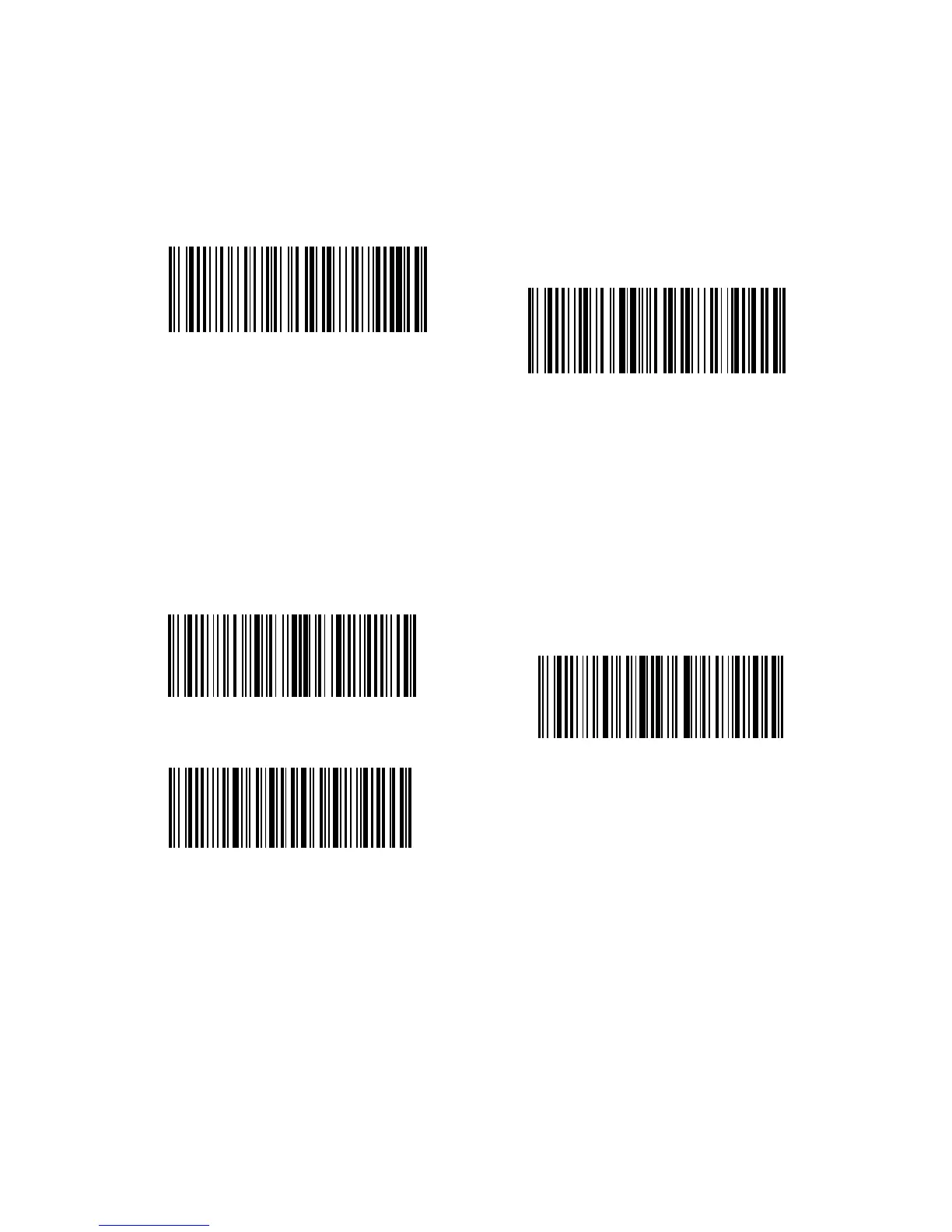
If you want to hide special starting code for code128 and code 39, please follow the
steps below:
1. Read “Enter Setup”;
2. Read “Hide Special Starting Character”;
3. Read “Exit with Save”.
Enter Setup
Hide Special Starting Character
Exit with Save
(*)Recover Special Starting Character
Exit without Save



 To Next Page