18
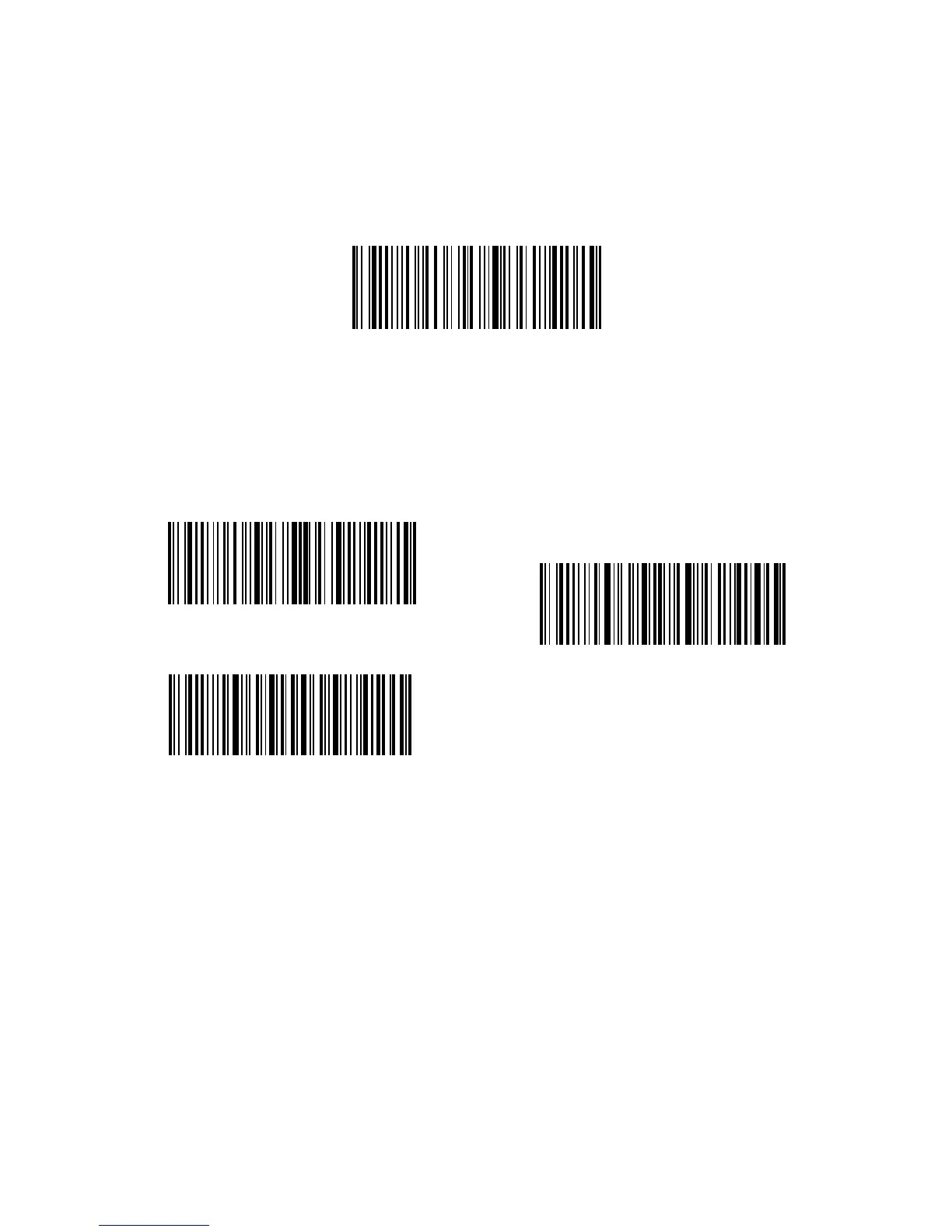
For example: if you want to set the scanning mode to hands-free, you may need to:
1. Scan “Enter Setup”;
2. Read “Hands-free Mode”;
3. Read “Exit with Save”.
Enter Setup
Hands-free Mode
Exit with Save
Exit without Save
1.4.4. Hands-free Mode
When under the hands-free scanning mode, laser won’t go o after recognizing a
barcode. And each barcode will be recognized once even when the laser has been
focused on it a long time. When install the BCST-33 on the scanner stand, it will shift
to hands-free mode automatically, and exit hands-free mode automatically when
taken from stand. You can scan the below barcodes to set the BCST-33 to hands-free
mode manually.



 To Next Page