11
Chapter 1 Features and Basic Setups
This chapter introduces the features and usage of the barcode Scanner.
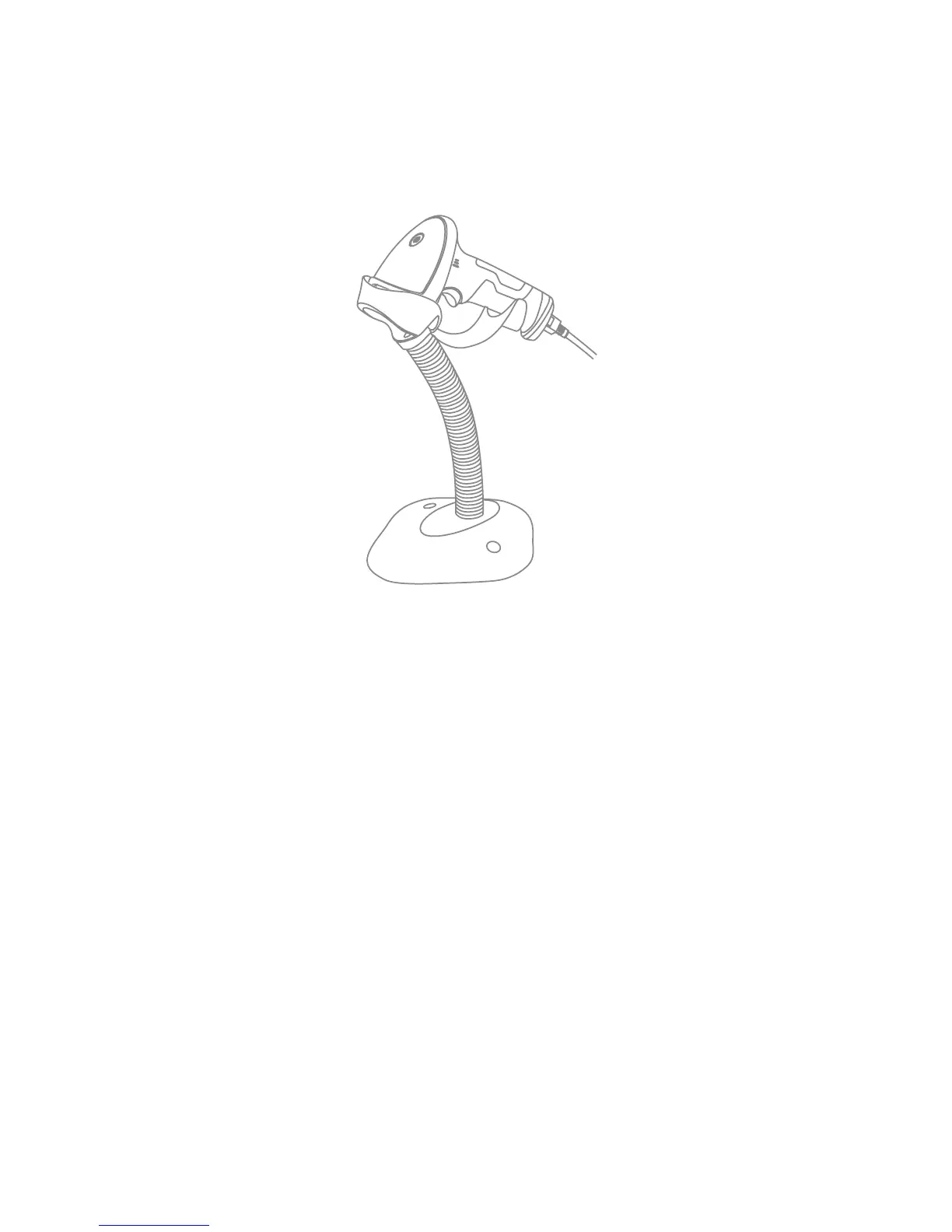
1.1 Basic Operation of Inateck BCST-33 Barcode Scanner
Turn on the scanner
Hold BCST-33 with one hand, and connect USB cable to computer. The scanner will
power on automatically with a beam of laser coming out.
Scan barcode
Click the Trigger (the scan button), and Inateck BCST-33 will emit a red laser.



 To Next Page