19
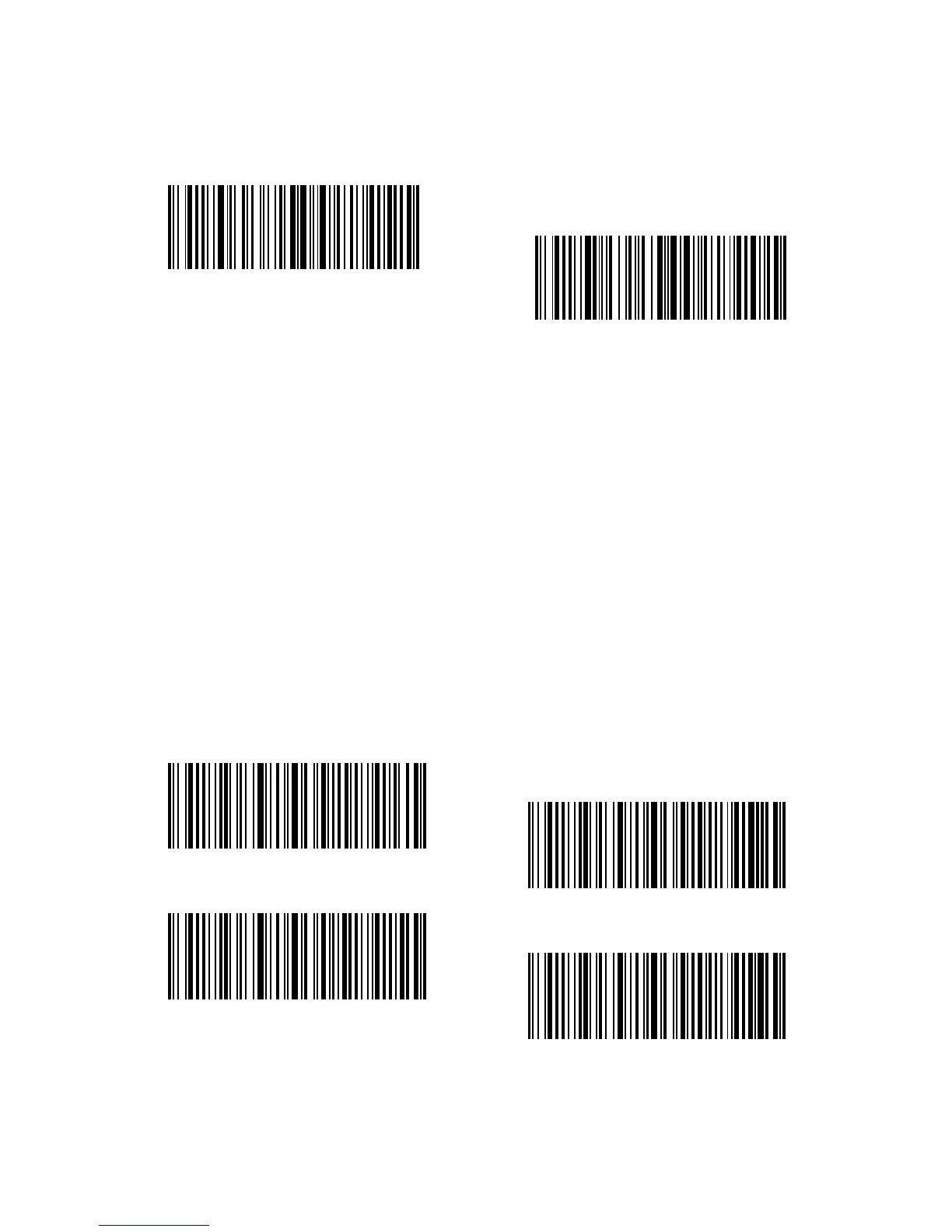
(*) Windows/Android Mode
Mac Os Mode
1.5. Types Of Keyboard
Inateck BCST-33 is compatible with Windows, Android, and MacOS. The default
mode is Windows/Android compatible. You can change the mode by scanning the
barcodes below.
To run BCST-33 on MacOS devices, please follow the steps:
1. Scan “enter setup”;
2. Scan “MacOS device mode”;
3. Scan “Save and exit”.
Note: If you are to use BCST-33 with Android devices, make sure to apply Gboard
as the input method. Apart from setting the scanner under “Windows/Android”
mode, you also need to set the scanner keyboard language as American English that
supports “Gboard” input method. The language settings of Gboard won’t aect the
output.
Inateck BCST-33 supports six international keyboards: US Keyboard, German
Keyboard, French Keyboard, Spanish Keyboard, Italian Keyboard, UK English
Keyboard, with US Keyboard as default. You are suggested to set the keyboard type of
the scanner to be in agreement with that in real use by scanning the correspondent
barcode listed below.
(*)US Keyboard
French Keyboard
German Keyboard
Spanish Keyboard



 To Next Page