57
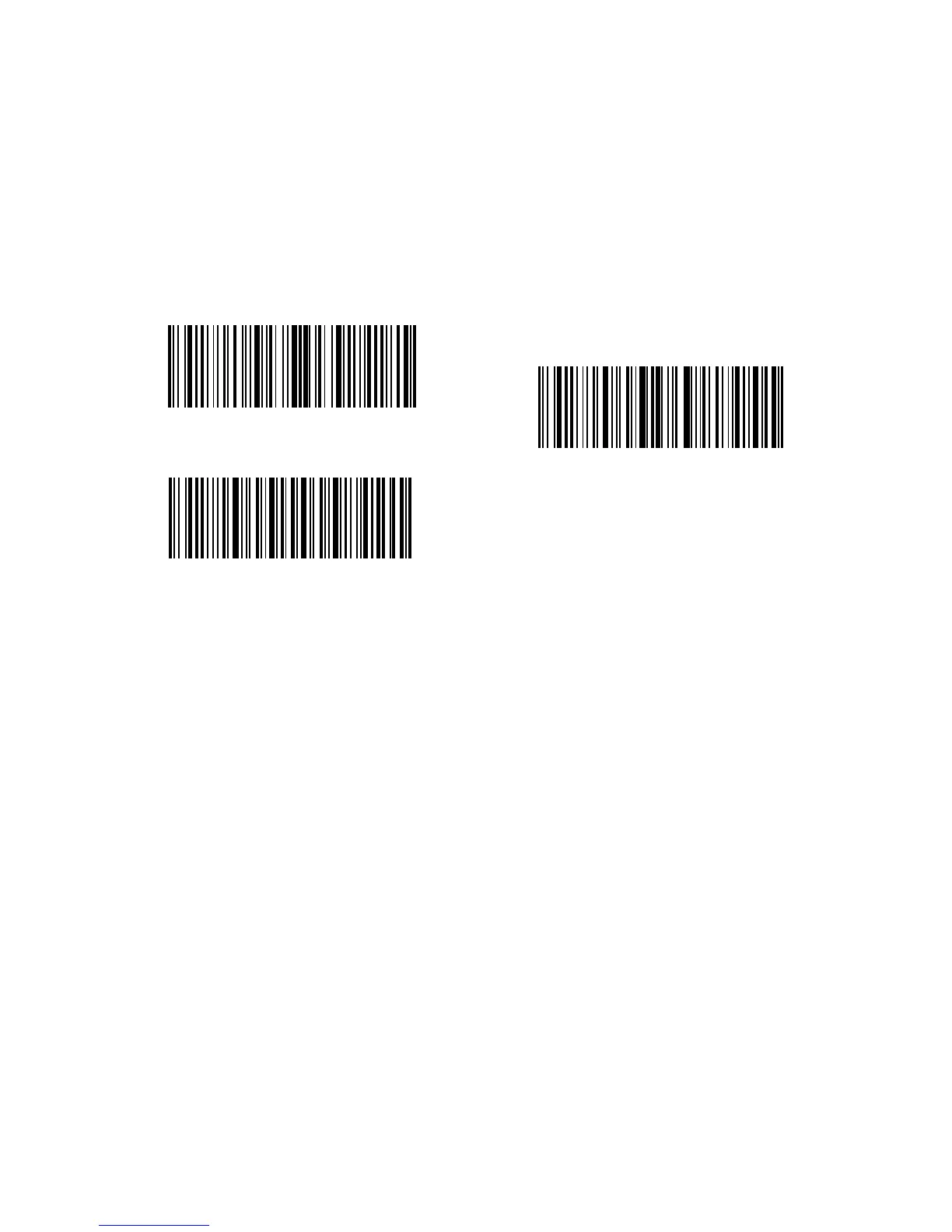
For example, if you want to delete the beginning 12 characters and the ending four
characters of result, you can follow the steps below:
1. Read “Enter Setup”;
2. Read “Delete Beginning Characters”;
3. Read “1 Digit”;
4. Read “2 Digits”;
5. Read “Delete Ending Characters”;
6. Read “4 Digits”;
7. Read “Exit with Save”.
Enter Setup
Exit with Save
Exit without Save



 To Next Page