13
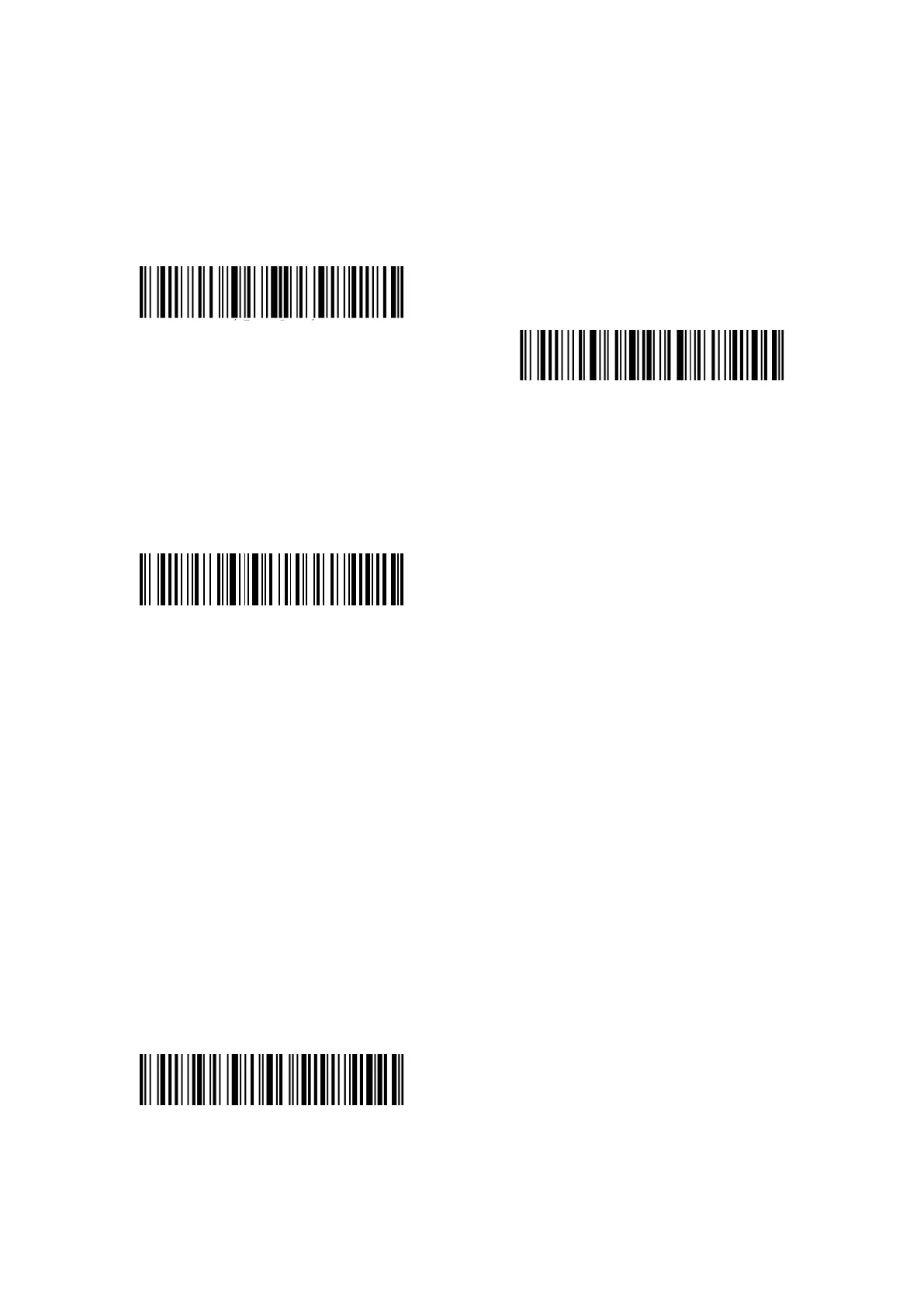
Eg. Steps to set 5 minutes for the scanner to be automatically turn off are as below.
1. Read the "Enter Setup" barcode;
2. Read the “Set 5 min to be auto-off”;
3. Read the "Exit with Save" barcode.
Tips: If you want to keep the scanner being powered on all the time, scan "Exit Auto Sleep
mode" barcode instead of step 2.
Enter setup
Exit with Save
1.1.3 Battery Level Display
Scan the "Battery Level Display" barcode (there is no need to scan "Enter setup" barcode), the
battery level will display on the device connected with the P7.
Battery Level Display
1.2 Data Buffer
P7 adopts 32Mb memory as its data buffer. Upon reading a barcode successfully, the P7 scanner
will upload the data to the computer/phone if the receiver is within the transmission range, then
the scanner will respond with one short beep (high tone) and the green LED indicator will flash
once. If the receiver is out of the transmission range, all the data scanned will be stored in the
buffer, the P7 will respond with two short beeps (tone from high to low) and the blue LED
indicator will flash once. When the buffer is full, the P7 will respond with a long beep (high tone)
to remind that the space of the buffer is not enough and cannot store any more barcodes. The
user should return to the transmission range quickly to upload the scanned data to
computer/phone. Then, the space of buffer can be released.
Note: The 32 Mb memory can store up to 13-character 270,000 barcodes.
You can enable/disable Clear Data in Buffer when turn on the barcode scanner.
Enable Clear Data in Buffer When the
scanner was turned on



 To Next Page