38
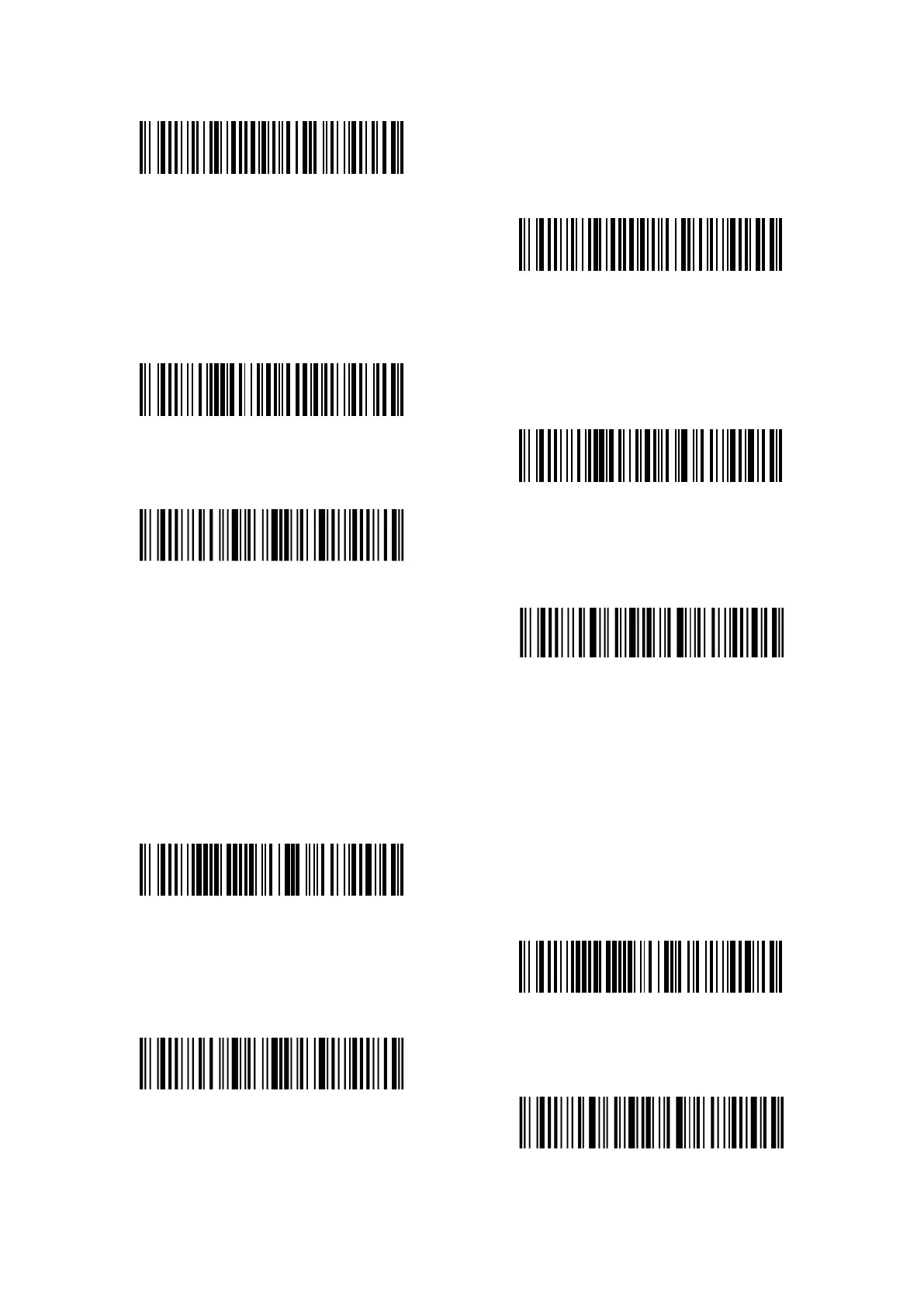
Enable GS1-128
(*)Disable GS1-128
When reading GS1-128 barcode, P7 will output FNC1 in GS1-128 as character "|" by default. You
can also set "FNC1 output as ascii code 29" and FNC1 will be replaced by ascii code 29.
FNC1 output as ascii code 29
(*)FNC1 output as character "|"
Enter setup
Exit with save
3.3.3 Enable/ Disable USPS and FedEx
USPS and FedEx belong to Code 128. Inateck P7 Scanner defaults “Enable USPS and Fedex”. You
can set whether to enable them.
(*)Enable USPS and FedEx
Disable USPS and FedEx
Enter setup
Exit with save



 To Next Page