9
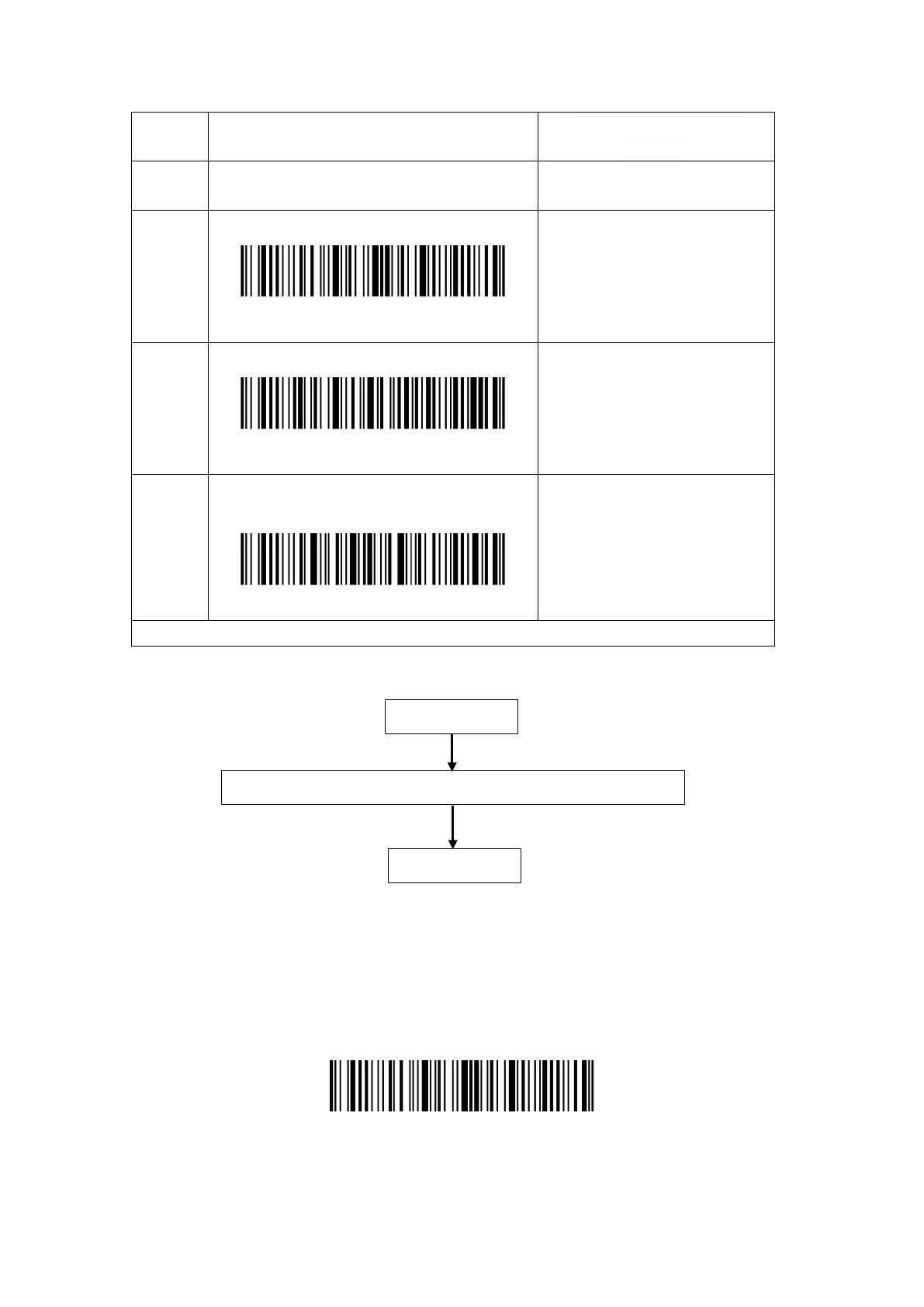
Step Operation
Feedback on successful
Toggle the Power Switch to “On” mode to get
the scanner started and press the Trigger.
Inateck P7 will emit a red light.
2
Read the barcode, enter the setting mode
Enter setup
The P7 will respond with three
chord sounds, and the LED
indicator turns blue.
3
certain function setup barcode, such as:
Enable Codabar
The P7 will respond with two
beeps (tone
ascending from low to high).
4
Scan “Exit with save” barcode to finish the
setup
Exit with save
The P7 will respond with three
chord sounds, and the blue LED
indicator will
automatically.
Note: The Inateck P7 Barcode Scanner will respond with a long beep if any setup error occurs.
The flow chart of Setup
Enter the Setting Mode
“Enter setup” barcode exists here and in the following chapters. The Inateck P7 barcode scanner
will enter into setting mode once this barcode is scanned successfully.
When scanning the barcode successfully, the Inateck P7 barcode scanner will respond with three
chord sounds, and the LED indicator turns blue.
Enter setup
Instruction below explains other function settings of the Inateck P7 barcode scanner.
Enter setup
Read a Setup barcode (such as, enable/disable a certain barcode)
Exit with Save



 To Next Page