71
4.10 Output the barcodes start with specific characters
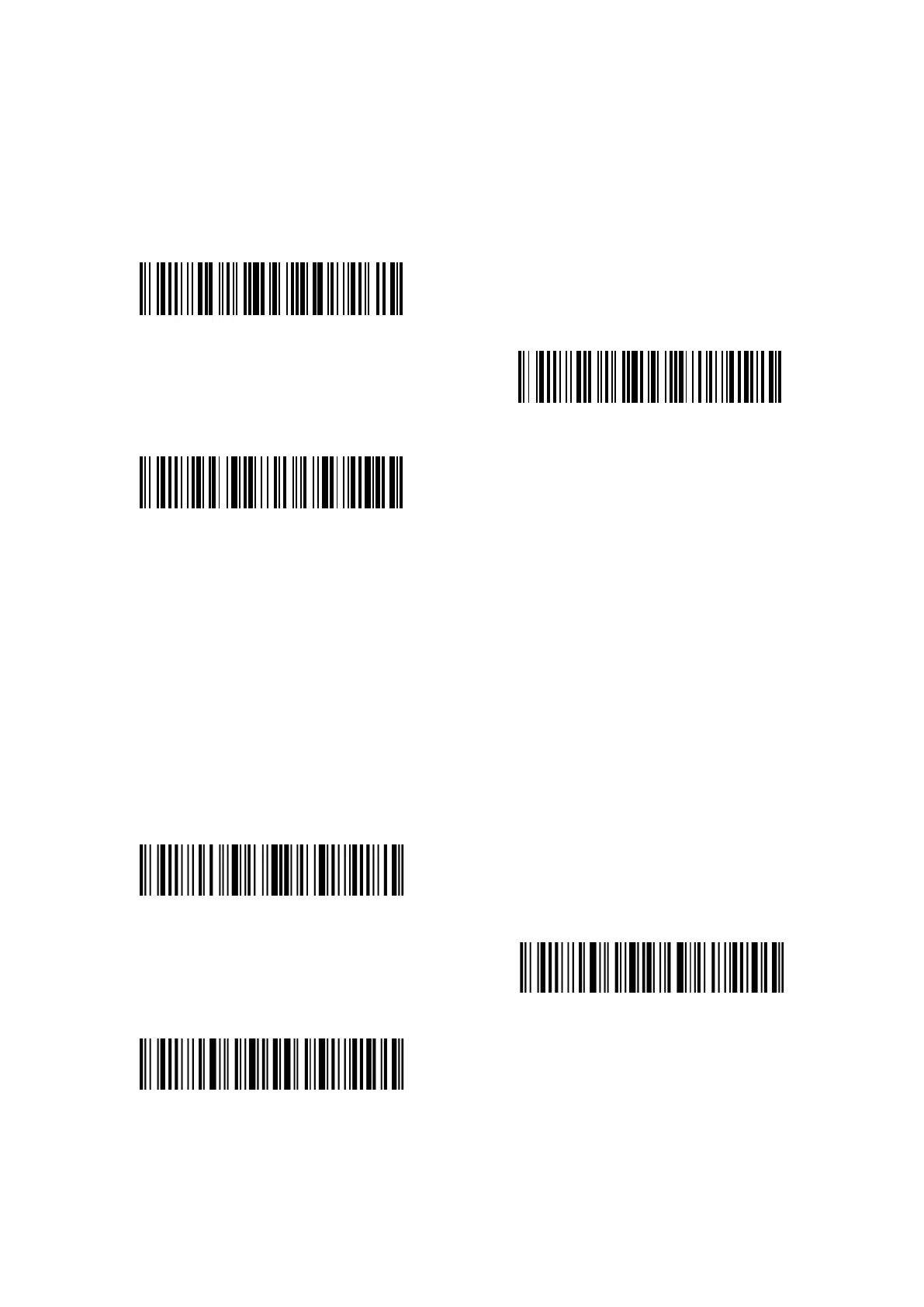
P7 can output the barcodes that start with specific characters (6 digits at most). The supported
characters are in Appendix I. By default, Inateck P7 outputs barcodes that start with any
character.
Output barcodes start with specific characters
(*)Output barcodes start with any character
Set specific start characters
Steps to output barcodes start with character “A” or “6” are as follows:
1) Read the “Enter setup” barcode;
2) Read the “Set specific start characters”;
3) Read the character “A” in Appendix I;
4) Read the character “6” in Appendix I;
5) Read the “Exit with save” barcode.
Note: After setting the specific start characters, P7 will only output the barcodes start with these
specific characters. To disable it, please read "Enter setup", "Output barcodes start with any
characters", and "Exit with save".
Enter setup
Exit with save
Exit without save



 To Next Page