16
1.4 Beeper
The built-in beeper in the P7 can help the user to know about the current operation status.
One short high note(100ms)
Read barcode successfully
One short high note(20ms
Data upload from scanner to host
One long high note(400ms
Wrong Setup(on setup status, blue LED stays on)
433MHz Pairing Failure (Occurs only during the pairing
process)
Invalid scanning due to full buffer. (Scanned barcode not
saved)
notes(800ms)
Three chord sounds (tone
from low to high)
Enter setup mode(Blue LED on)
Exit setup mode(Blue LED off)
Three chord sounds (tone
from high to low)
Bluetooth connected
Two short notes(the same
tone)
Two short notes (tone from
low to high)
Correct setup
Two short notes (tone from
high to low)
The connection between Inateck P7 and computer/phone is
disrupted.
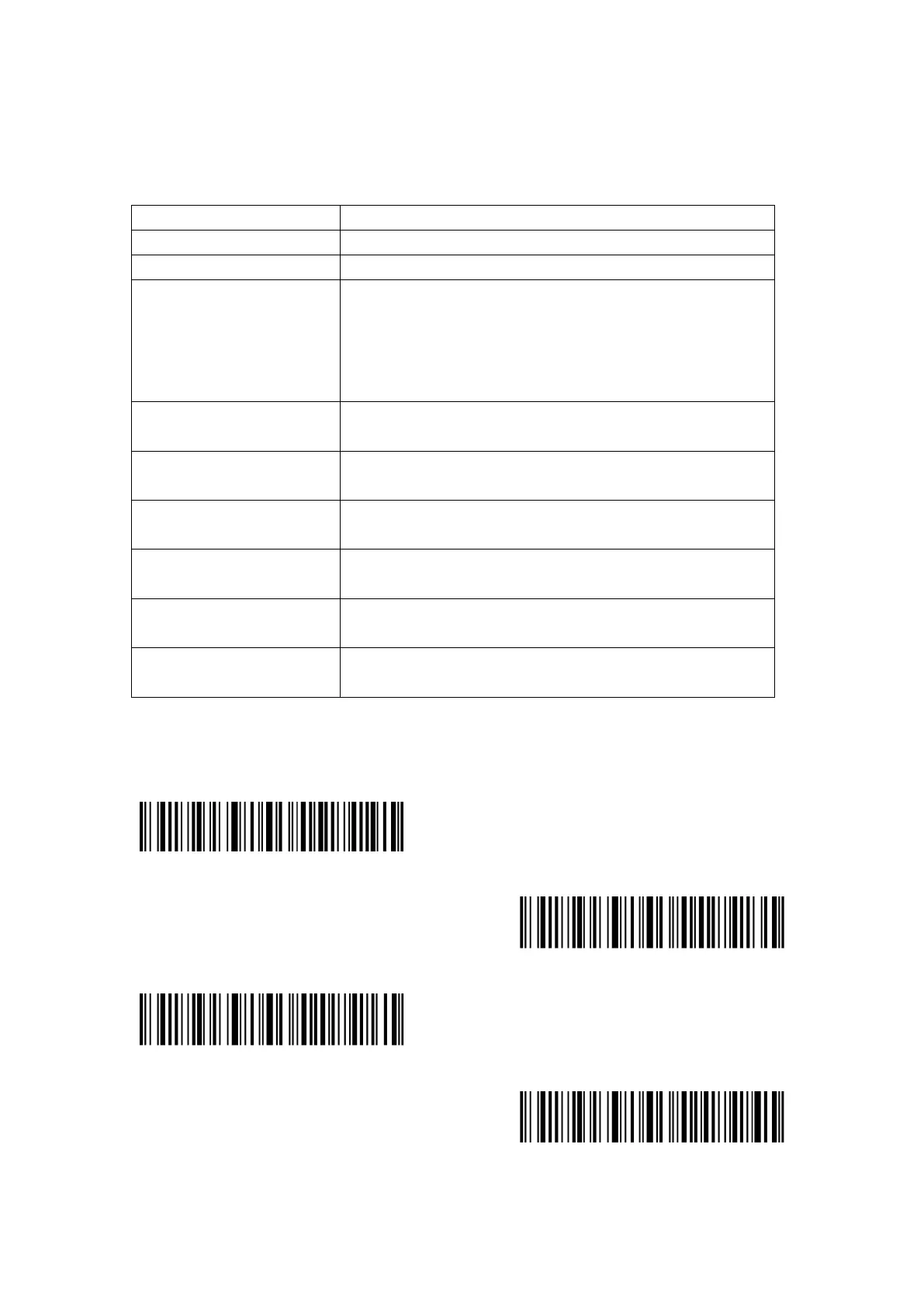
Mute
Minimum Volume
(*) Medium Volume
Maximum Volume



 To Next Page