32
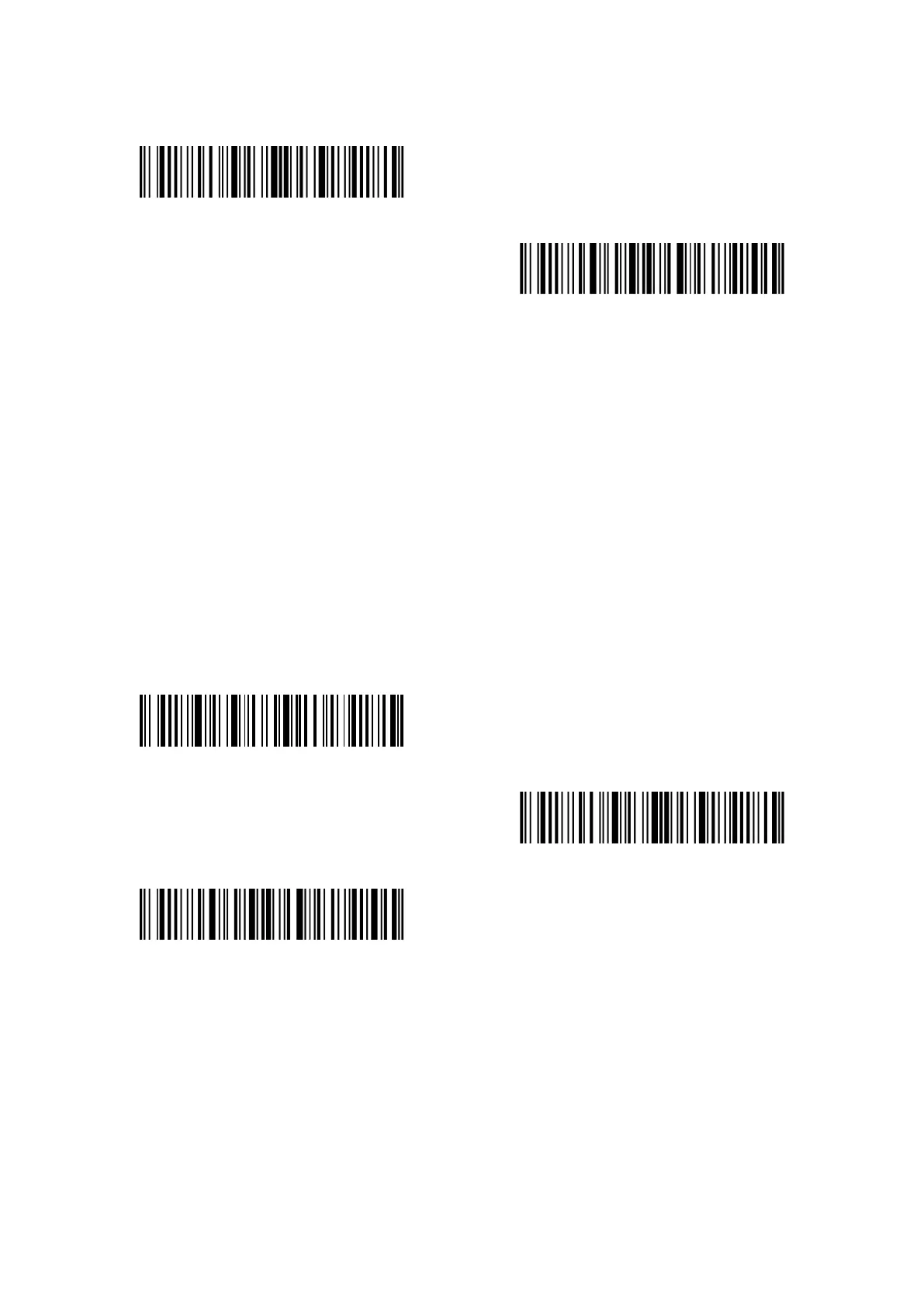
Enter setup
Exit with save
2.6 Set the Bluetooth Name
The Bluetooth name of P7 can be modified, but the number of the characters cannot exceed 32.
To do that, please make sure the P7 works under Bluetooth HID mode or Bluetooth SPP mode.
Read the barcode "Enter setup", "Set Bluetooth Name", Bluetooth Name (read the barcode of
each character in the appendix), and "Exit with save".
For example, steps to set “Tom” as the Bluetooth name are as follows.
1. Read “Enter setup” barcode;
2. Read “Set Bluetooth Name” barcode;
3. Read the character “T” in the appendix;
4. Read the character “o” in the appendix;
5. Read the character “m” in the appendix;
6. Read “Exit with save” barcode.
Set Bluetooth Name
Enter setup
Exit with save
Note: The revised Bluetooth name is only displayed after re-pairing.



 To Next Page