50
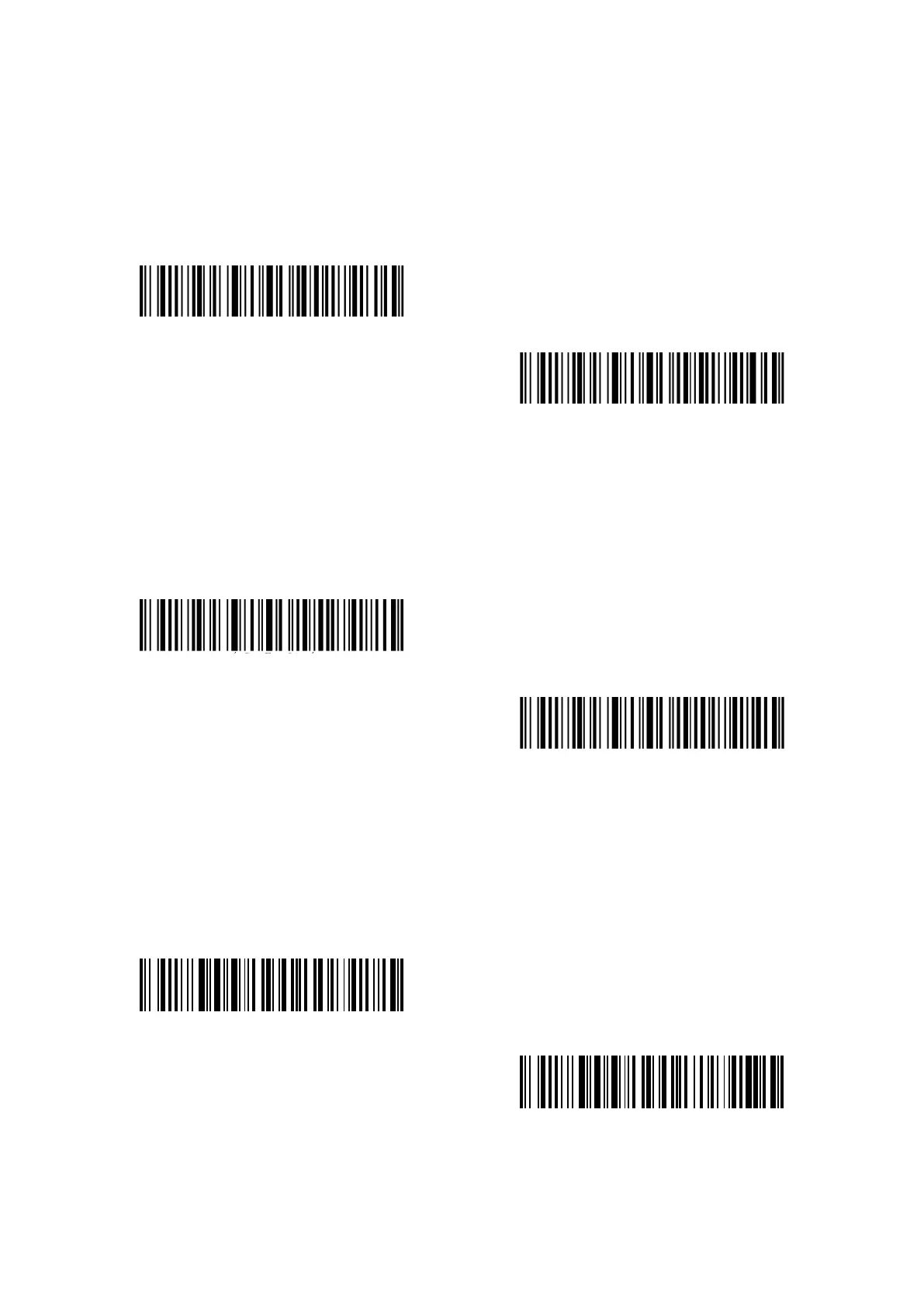
Decide whether to add "0" in the output of UPC-A data by scanning correspondent barcode
below. Inateck P7 takes UPC-A Do Not output “0” as default.
UPC-A Output “0”
(*)UPC-A Do Not Output “0”
3.9.3 Checksum Verification
Decide whether to Transmit UPC-A Checksum by scanning correspondent barcode below. Inateck
P7 defaults “Transmit UPC-A Checksum”.
(*)Transmit UPC-A Checksum
Do Not Transmit UPC-A Checksum
3.9.4 UPC-A Number System Digit
The first digit of UPC-A is the number system digit. Decide whether to Transmit UPC-A number
system digit by scanning correspondent barcode below. Inateck P7 defaults “Transmit UPC-A
number system digit”.
(*)UPC-A output number system digit
UPC-A Do Not output number system digit



 To Next Page