18
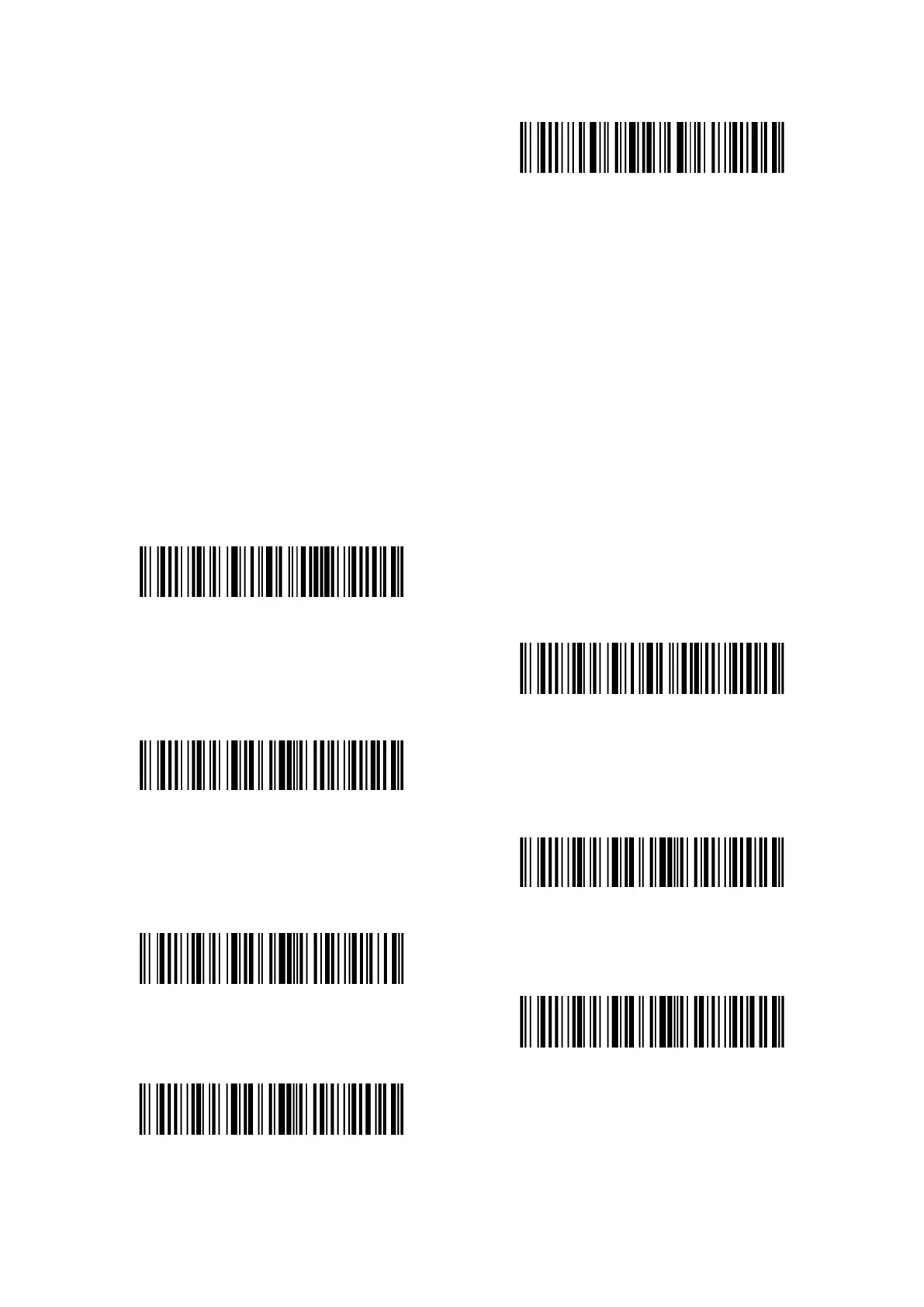
Exit with save
1.6 Scanning Modes
Four kinds of scanning modes are supported by the Inateck P7 Barcode Scanner, including red
light auto-off mode, continuous scanning mode, manual mode, and hands-free mode.
1.6.1 Red Light Auto-off Mode
By default, the scanning mode is set to Red Light Auto-off Mode. If the user presses the Scanning
Trigger, the red light would be turned on. If a barcode is not successfully scanned, the red light
will be off automatically after red light auto-off waiting time, which usually defaults to 2 seconds
and can be set to 1s, 2s, 3s and 5s. Yet the red light will be off soon if Inateck P7 scans a barcode.
(*)Red Light Auto-off Mode
Setup red light auto-off waiting time
1s
(*)2s
3s
5s
50s



 To Next Page