73
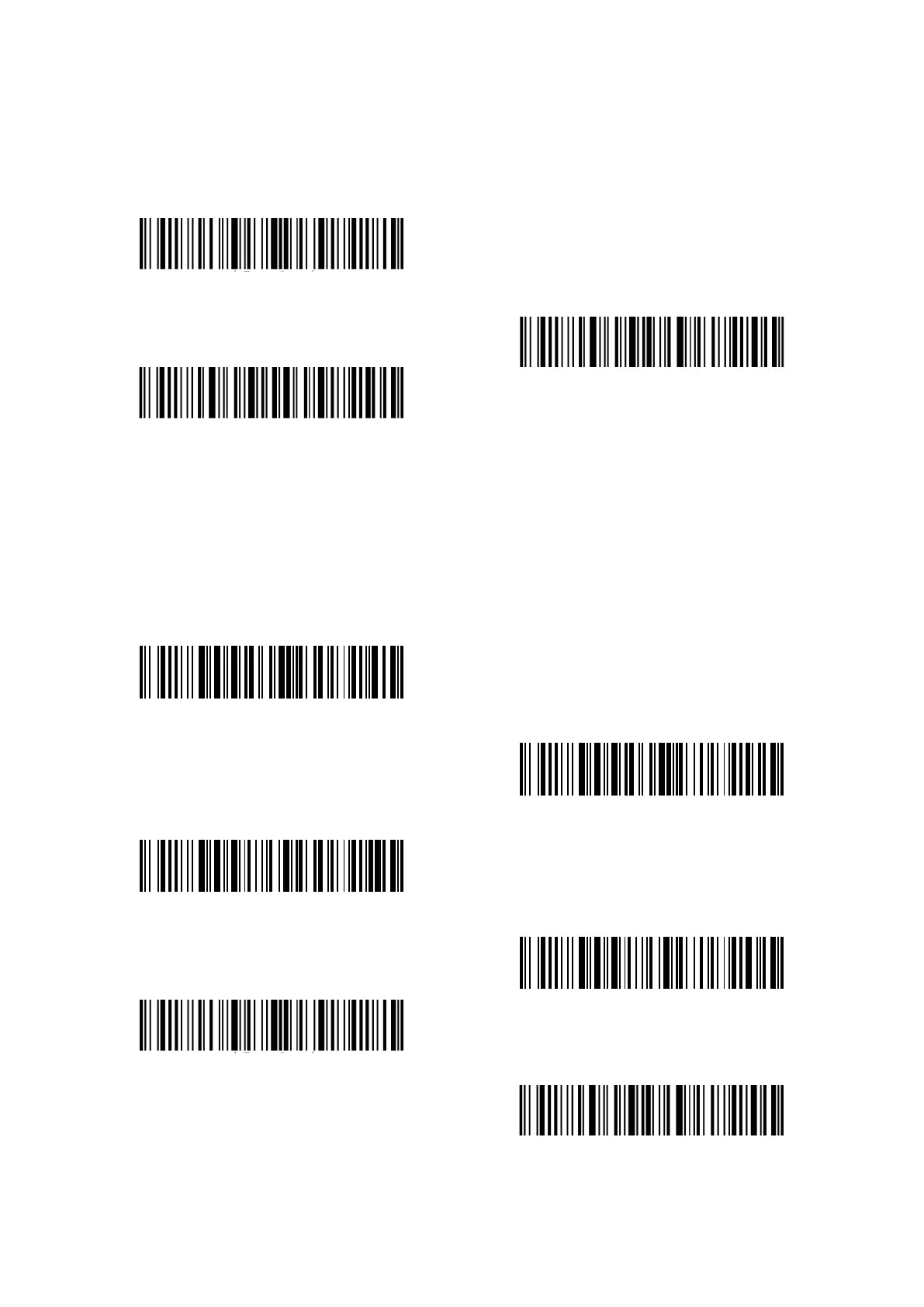
Steps to hide the specific characters are as follows:
1) Read the “Enter setup” barcode;
2) Read the “Hide the specific start characters” barcode;
3) Read the “Exit with save” barcode.
Enter setup
Exit with save
Exit without save
4.13 Time Stamp
The time stamp displays Time (hours, minutes, seconds) and Date (year, month, day). Inateck P7
defaults "Do Not output time stamp". You can decide whether to output the time stamp. Also,
you can set to output Time only, output Date only, or both. After setting, the time stamp will be
displayed in the 24-hour format and added to the end of each barcode.
Output Time
(*)Do Not output Time
Output Date
(*)Do Not output Date
Enter setup
Exit with save



 To Next Page