72
4.11 Output Inverse barcode
Inverse barcode refers to the barcodes with black background and white bar. Inateck P7 can read
the inverse barcode, but defaults " Disable Inverse barcode".
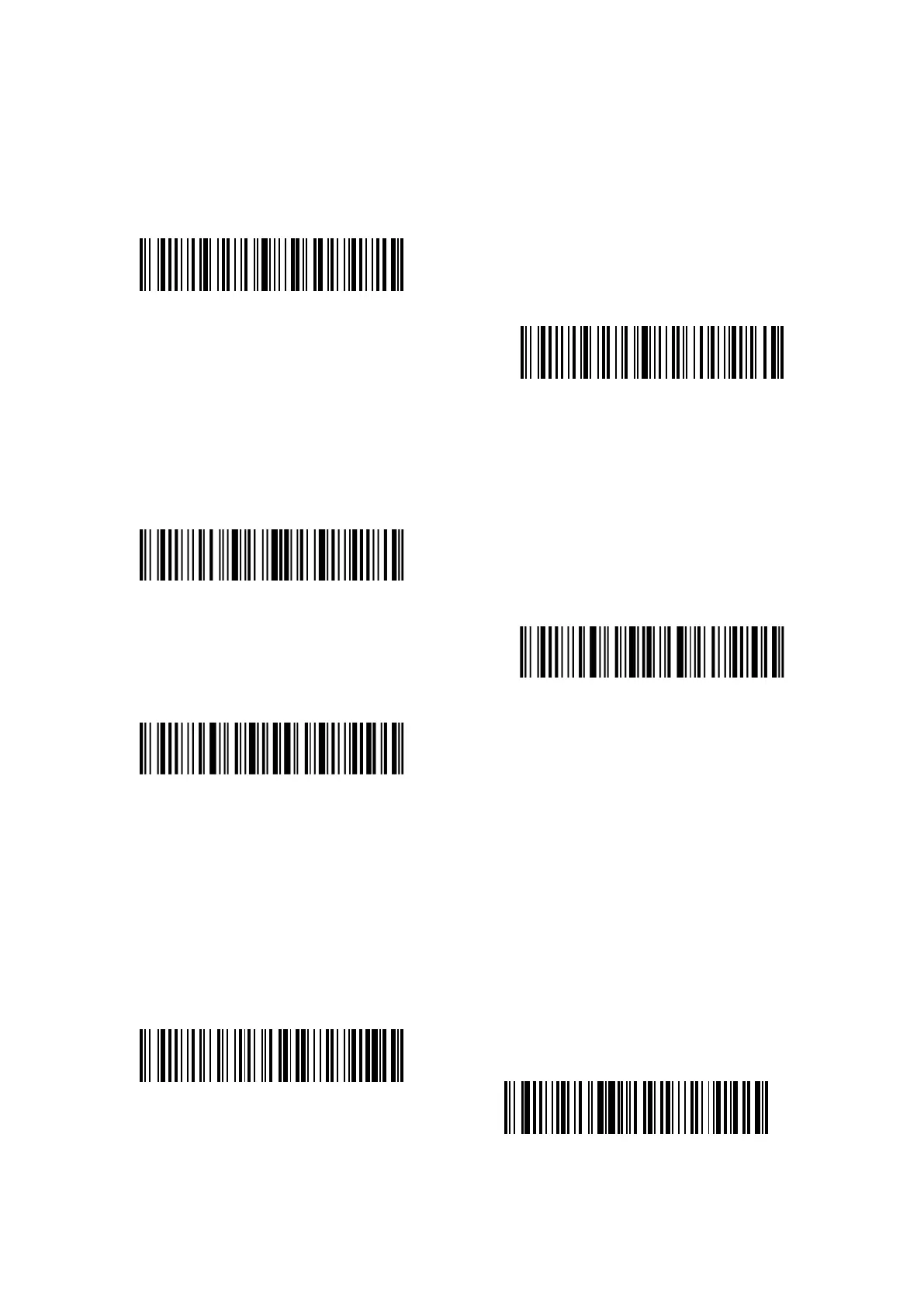
Enable Inverse barcode
(*)Disable Inverse barcode
Steps to enable inverse barcode are as follows:
1) Read the “Enter setup” barcode;
2) Read the “Enable Inverse barcode” barcode;
3) Read the “Exit with save” barcode.
Enter setup
Exit with save
Exit without save
4.12 Hide specific start characters
Some specific start characters of code 128 and code 39 are used to indicate a certain product
parameter. For example, the start character "P" refers to Part Number, and the start character
"Q" refers to Quantity. Inateck P7 can hide these specific start characters of code 128 and code
39, like D, K, P, Q, S, V, 1P, 1T, 10D, 17V, 2P and 4L. After hiding, they won't be output. Inateck P7
defaults "Output the specific start characters".
Hide the specific start characters
(*)Output the specific start characters



 To Next Page