57
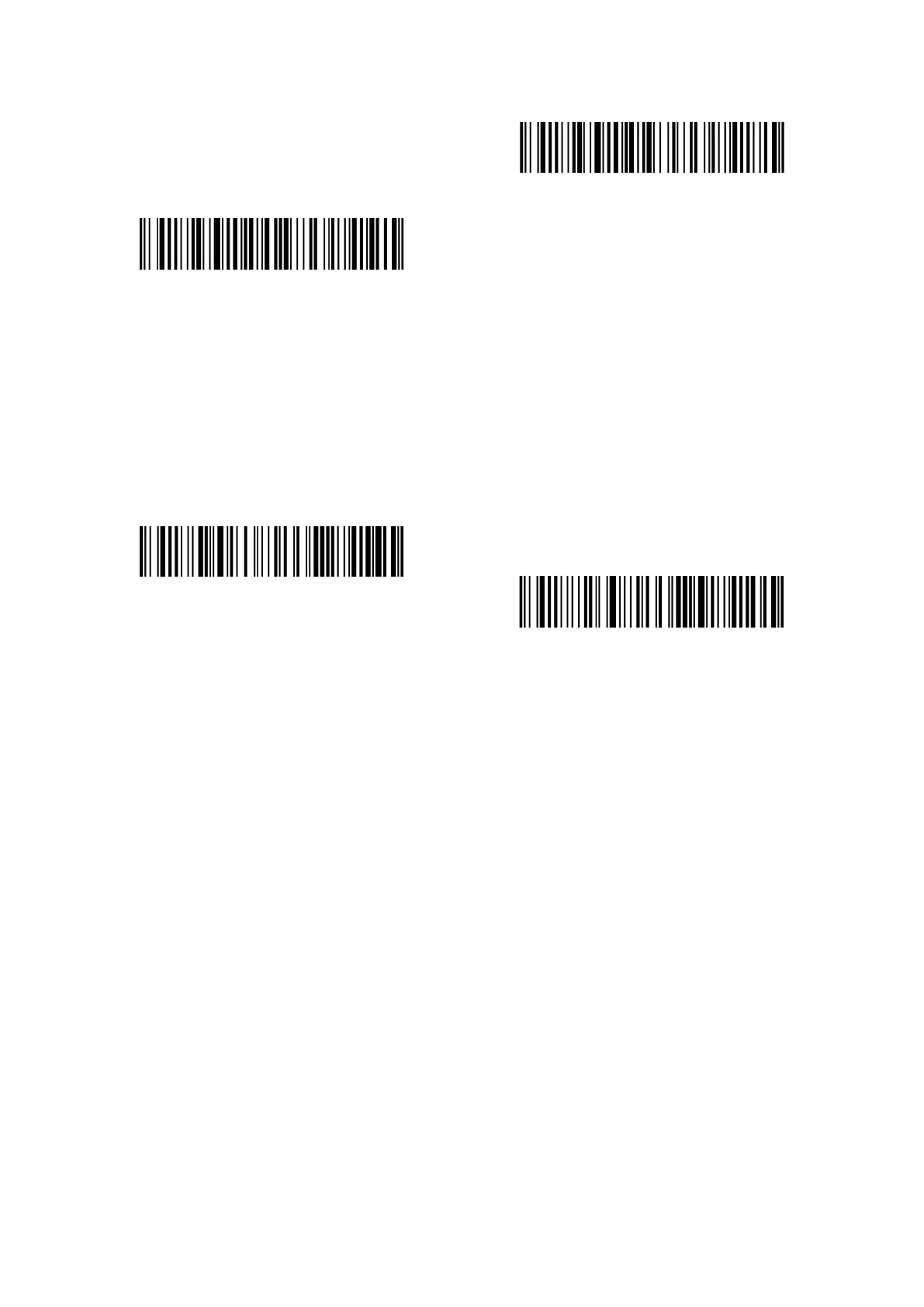
Verify Standard 25 with Output Checksum Character
Verify Standard 25 without Output Checksum Character
3.15 China Postal Code
3.15.1 Enable/Disable China Postal Code
Decide whether to enable China Postal Code by scanning correspondent barcode below. Inateck
P7 defaults to “Disable China Postal Code”.
Enable China Postal Code
(*)Disable China Postal Code
3.15.2 Checksum Verification
Checksum character is not enforced to be included in the data of China Postal Code. If checksum
character is included, it should be the last character of the barcode data. As a calculate value
based on all of the data, Checksum character is used to check whether the data is correct or not.
If the scanner is set to "Do Not Verify China Postal Code”, which is the default, then the scanner
will read all the barcode data.
If the scanner is set to "Verify China Postal Code with Output Checksum Character", and the
scanner will check the data based on the last character of the barcode data. If the check passes,
the scanner will read and output the Checksum Character as the last character of normal data.
However, the scanner will not be able to read China Postal Code without checksum character
under this setting.
If the scanner is set to "Verify China Postal Code without Output Checksum Character", and the
scanner will check the data based on the last character of the barcode data. If the check passes,
the scanner will read but will NOT output the Checksum Character. However the scanner will not
be able to read China Postal Code without checksum character under this setting.



 To Next Page