75
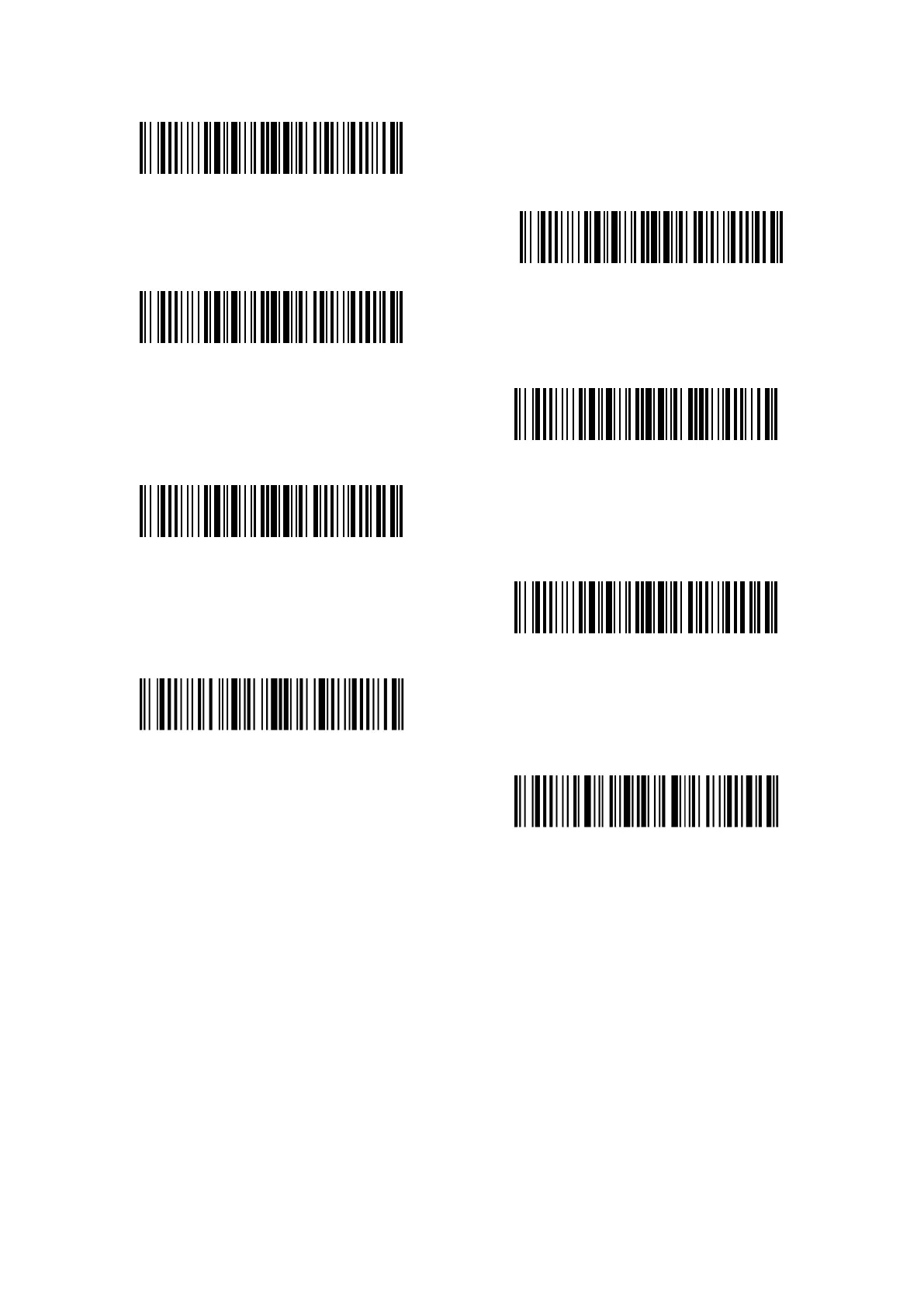
Number 4
Number 5
Number 6
Number7
Number 8
Number 9
Enter setup
Exit with save
For example, steps to set the Time Stamp “09:34:07 2019/04/18” are as follows:
1. Read the “Enter setup” barcode;
2. Read the “Set Year in Time Stamp”;
3. Read “Number 1”;
4. Read “Number9”;
5. Read “Set Month in Time Stamp”
6. Read “Number 4”
7. Read “Set Day in Time Stamp”;
8. Read “Number 1”;
9. Read “Number 8”;
10. Read “Set Hour in Time Stamp”;
11. Read “Number 9”
12. Read “Set Minute in Time Stamp”;



 To Next Page