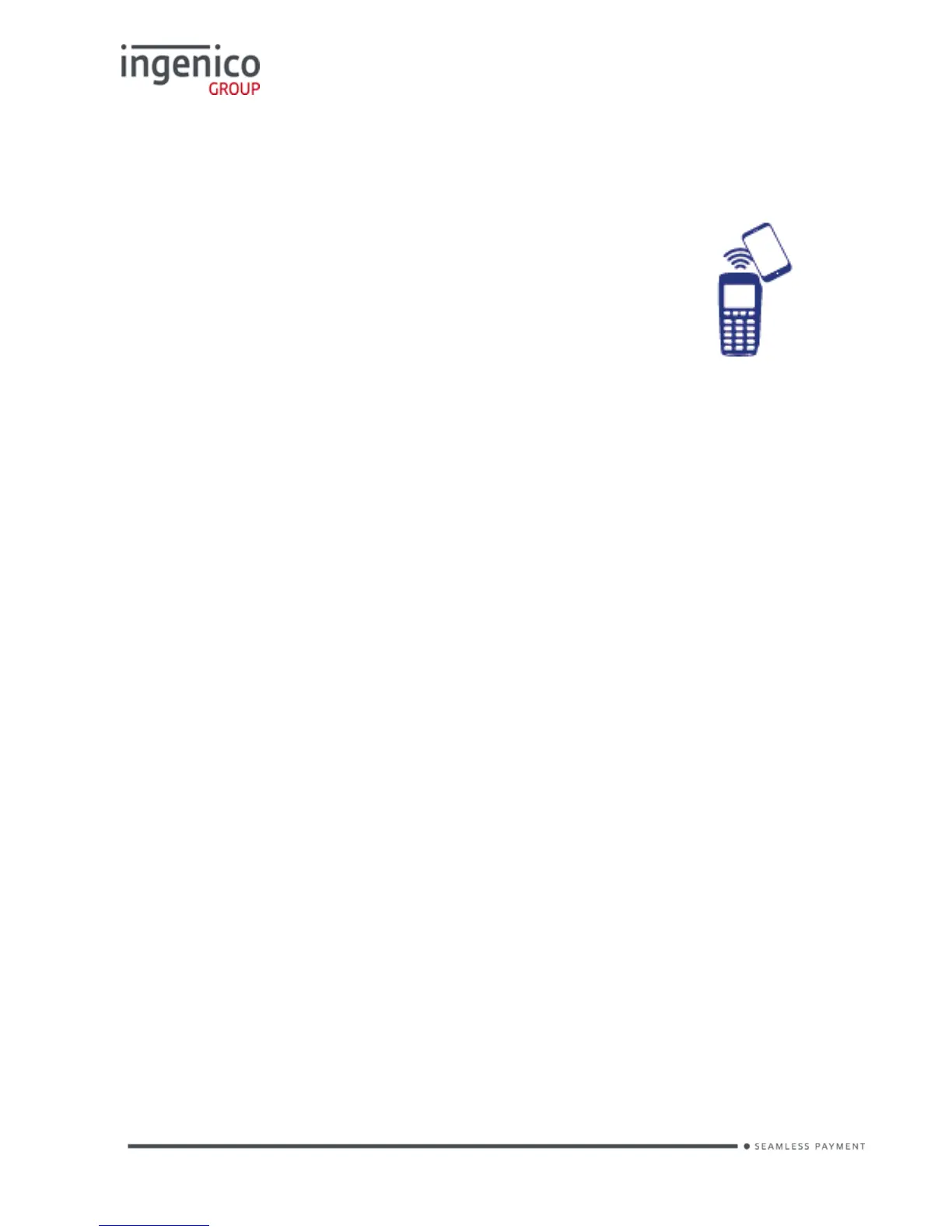
Contactless High Value Payment (HVP) – Wallet Payments
High Value Payments are contactless payments that are above the limit for
contactless cards (e.g. £30.00) but are protected by the
cardholder verifying themselves to the mobile phone
either by the use of a scanned thumb/fingerprint in the
case of Apple Pay, or by the entry of a pass code for
other mobile phone manufacturers. This process is known
as a Cardholder Device Cardholder Verification Method or
CDCVM for short.
This means that once HVP is enabled, the contactless
logo will be displayed on your terminal for all transactions rather than just those
under the contactless card limit (e.g. £30.00).
Acceptance of normal contactless cards for transactions below the £30 limit will
continue as normal and, if a cardholder taps a contactless card for a transaction
above the £30 limit, the terminal will instruct them to complete the transaction
using chip and PIN.
In some cases, a cardholder may need to tap their mobile phone against the
contactless reader twice. This is because they have not pre entered their
CDCVM on their device prior to starting the transaction and their device has
prompted them to complete their CDCVM and tap the phone again. The
cardholder should follow the instructions on their device to complete the
transaction.















 To Next Page