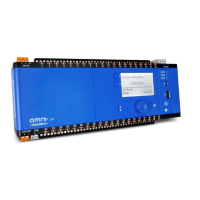
Omni Installation Instructions
Page 22 © Mass Electronics Pty Ltd 2017Edition 1.2 dated 03.08.2018
Figure 2-10: Ethernet Ports, MicroSD Card Slot and RS-485 Ports on side of Omni C20
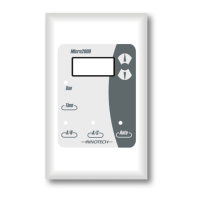
Figure 2-8: Omni OMH01 HMI
LCD Screen
Watches
Alarms
Back Button
Warning / Alarm LEDs
Navigation Wheel
Figure 2-9: Expansion Bay
EOL Jumper RS485 Port 3 (Set)
Backup Battery
Expansion Slot
EOL Jumper RS485 Port 2 (Not Set)
EOL Jumper RS485 Port 1 (Not Set)



 To Next Page
 Loading...