Omni Installation Instructions
Page 54 © Mass Electronics Pty Ltd 2017Edition 1.2 dated 20.08.2018
4-1 Overview
The flexibility of the Omni System means that it can be connected in any of several equipment
configurations based on the system’s operational requirements.
In the simplest configuration, a single digital controller unit acts as a standalone controller. More
complex installations use multiple Omni controllers and share data between themselves and/or a
computer.
4-2 Omni Products
The Omni System products which can be connected are:
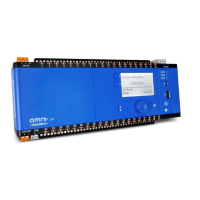
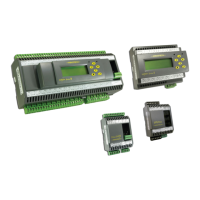
•Omni C40 Controller
•Omni C20 Controller
•Omni C14 Controller
•Omni U10 Remote Expansion Module
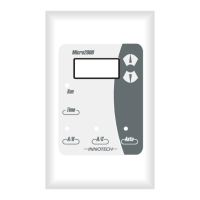
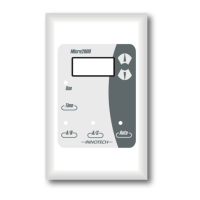
Legacy Innotech devices can also be connected to an Innotech network with Omni controllers.
Device connection is made by using Ethernet cables or by the RS-485 comms ports.
Third party non-Innotech devices may also be able to be connected using Omni's native BACnet protocol.


 To Next Page
 Loading...