Page 85
Omni Installation Instructions
© Mass Electronics Pty Ltd 2017Chapter 5 – Commissioning
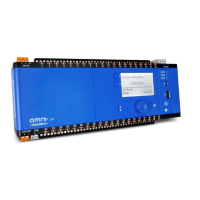
6. Connect a USB cable between your computer and the Mini-USB on the front of the Omni
U10 REM. Note: The U10 REM does not need to be powered for addressing.
7. The U10 REM should be automatically detected. If not, specify the Comms Port to connect
to.
8. Select an address to send from the Configure Address section of the REM Addresser and
click Send Address.
9. Aer clicking Send Address, the new address will be set for the Omni U10 REM.
Figure 5-10: Omni REM Addresser - REM Detected
Figure 5-11: Omni REM Addresser - Configured



 To Next Page
 Loading...