Page 23
Omni Installation Instructions
© Mass Electronics Pty Ltd 2017Chapter 2 – Mechanical Installation
2-2.3 Omni C14 Controller Dimensions & Identification
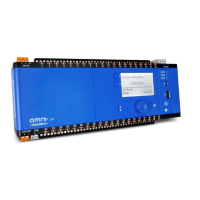
The Omni C14 & C14D Controllers feature 14 programmable points, 2 RS-485 comms inputs, 1 RJ45
ethernet port and a USB Mini-B connection.
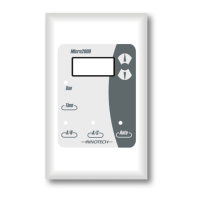
Optional HMI shown in C14D image.
87.90mm (3.46”)
93.40mm (3.68”)
80mm (3.15”)
Figure 2-12: Omni C14D Dimensions (End View)
180mm (7.09”)
113.44mm (4.47”)
Figure 2-11: Omni C14D Dimensions and Identification
Programmable
Points
24V
In
Comms
Input
Programmable
Points
Ethernet
(on side)
USB Mini-B
The Expansion
Bay contains EOL
Jumpers and the
backup Battery.
Optional HMI
Heartbeat LED
Comms
Indicators



 To Next Page
 Loading...