17
Intermec EasyCoder 201 II – Technical Manual
STARTING UP, cont'd.
The type of startup file running in the printer is indicated by the
message shown in the display window directly after power up.
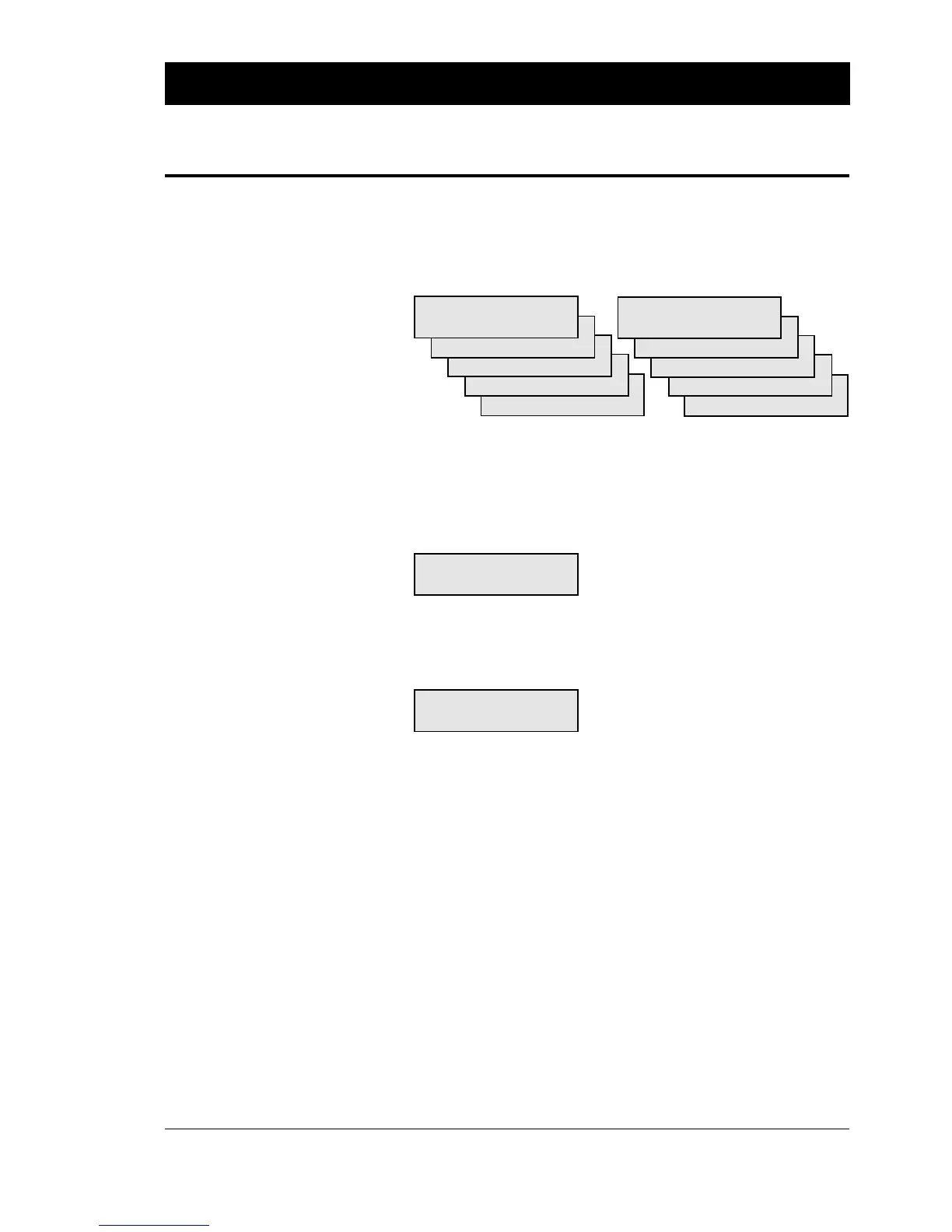
A. Intermec Shell Startup Program (EasyCoder 201 IIS & 201 IIE):
PRINT=SHELL or ENTER=SHELL
5 sec. v.4.01 5 sec. v.4.01
4 sec. v.4.01 4 sec. v.4.01
3 sec. v.4.01 3 sec. v.4.01
2 sec. v.4.01 2 sec. v.4.01
1 sec. v.4.01 1 sec. v.4.01
Refer to the Startup Manual of Intermec Shell Standard or Intermec
Shell Enhanced respectively for further information. The digits in
the lower right corner of the display indicate the version of Intermec
Shell.
B. Intermec Stand-Alone Program (EasyCoder 201 IISA):
STAND-ALONE
Please wait 1min
Refer to the Intermec Stand-Alone Concept, Operating Instructions
manual for further information.
C. No Startup File (non-standard EasyCoder 201 IIS & 201 IIE):
Fingerprint
6.13
Refer to the documentation of the corresponding version of Inter-
mec Fingerprint for further information.
E. Custom-made Application Program (non-std EasyCoder 201 IIS& 201 IIE):
Any other display message than those illustrated above indicate that
the printer is running some custom-made, non-standard application
program or that some error has occurred.
Messages at Startup















 To Next Page