43
Intermec EasyCoder 201 II – Technical Manual
Testprint, cont'd.
“Check status” reports four possible error conditions:
• Printhead lifted.
• Label not removed.
• Printer out of paper.
• Printhead voltage too high.
A text in the display will inform you if any of these error conditions
has occurred. Otherwise the text "Error stat: All systems: Go!" is
displayed.
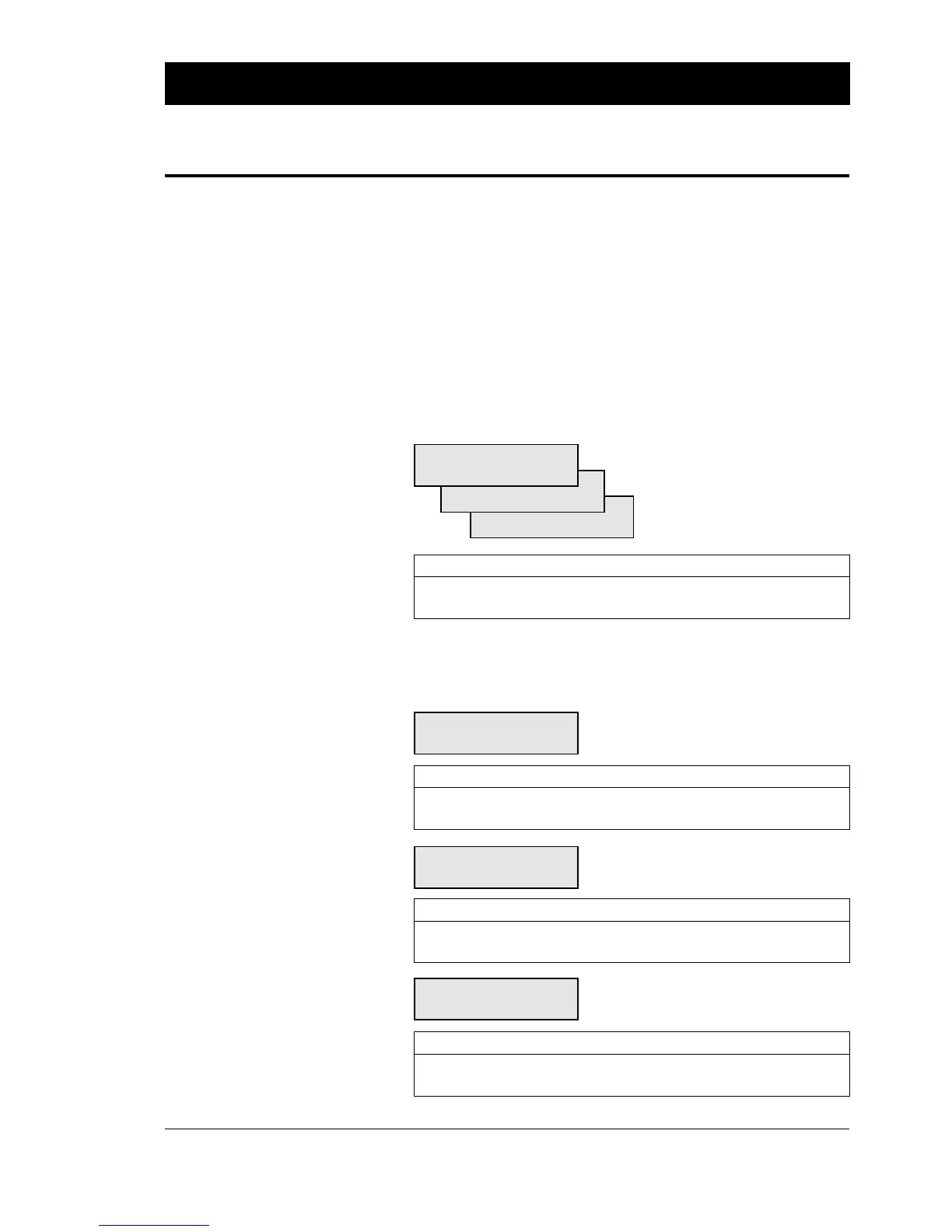
A stack of three menus is displayed:
PERFORMANCE:
NORMAL
HIGH
ULTRA HIGH
Action EasyCoder 201 IIE EasyCoder 201 IISA
Browse to next option < F5 >< ⇒ >
Select option and proceed < Enter >< Enter >
A number of menus will be displayed; one set for each serial
communication channel. In each menu, the current size of the buffer
is indicated within brackets, e.g.:
IMAGE BUFF SIZE:
[24Kb]:
Action EasyCoder 201 IIE EasyCoder 201 IISA
Enter new value numeric keys numeric keys
Acknowledge and proceed < Enter >< Enter >
REC BUF UART1:
[300]:
Action EasyCoder 201 IIE EasyCoder 201 IISA
Enter new value numeric keys numeric keys
Acknowledge and proceed < Enter >< Enter >
TRANS BUF UART1:
[300]:
Action EasyCoder 201 IIE EasyCoder 201 IISA
Enter new value numeric keys numeric keys
Acknowledge and proceed < Enter >< Enter >
SETTING UP EASYCODER 201 IIE & 201 IISA, cont'd.
Print Defines, cont'd.
Continued!
Performance
Memory Allocation















 To Next Page