42
Intermec EasyCoder 201 II – Technical Manual
SETTING UP EASYCODER 201 IIE & 201 IISA, cont'd.
Media Type
Continued!
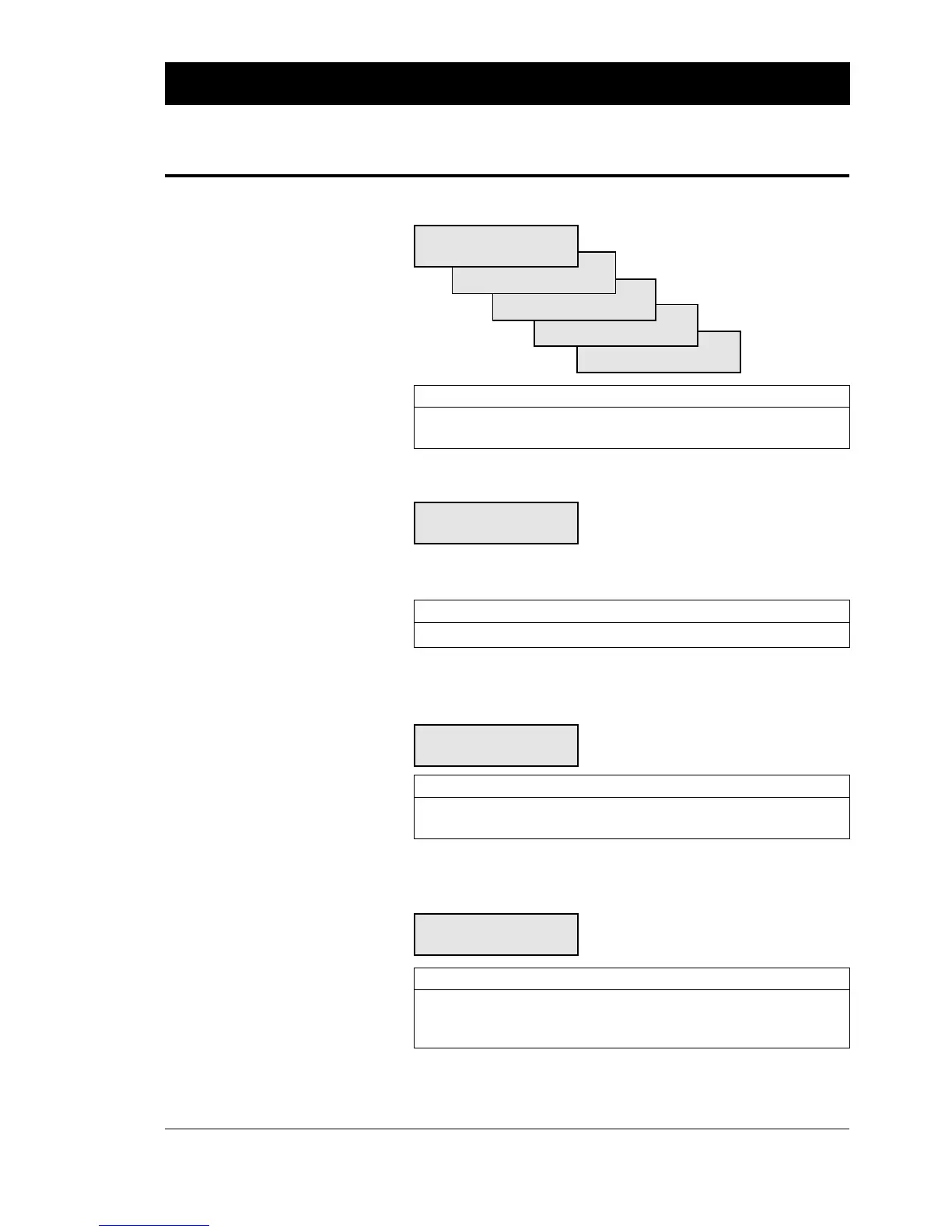
A stack of five menus will be displayed, with the current media type
shown first:
MEDIA TYPE:
LABEL (W GAPS )
TICKET (W MARK)
TICKET (W GAPS )
FIX LENGTH STRIP
VAR LENGTH STRIP
Action EasyCoder 201 IIE EasyCoder 201 IISA
Browse to next option < F5 >< ⇒ >
Select option and proceed < Enter >< Enter >
Printhead Resistance
HEAD RESIST
[676]: Measured
The printhead resistance is automatically measured and set at start
up. The last measured value is displayed within brackets.
Action EasyCoder 201 IIE EasyCoder 201 IISA
Proceed < Enter >< Enter >
Paper Type
A number of direct thermal paper type designations are displayed
in a stack of menus, e.g.:
PAPER TYPE:
RICOH 130LAB/LAM
Action EasyCoder 201 IIE EasyCoder 201 IISA
Browse to next option < F5 >< ⇒ >
Select option and proceed < Enter >< Enter >
Testprint
A series test labels can be printed. See illustrations in the chapter
“Setup Parameters” earlier in this manual.
<PRINT> = PRINT
<C> = EXIT
Action EasyCoder 201 IIE EasyCoder 201 IISA
Print a new Test Label < Print ><Print >
Check status < F5 >< ⇒ >
Exit and proceed < C > or < Enter ><C > or < Enter >
Print Defines
• Printhead Resistance
• Paper Type
• Testprint















 To Next Page