30
Intermec EasyCoder 201 II – Technical Manual
SETUP PARAMETERS, cont'd.
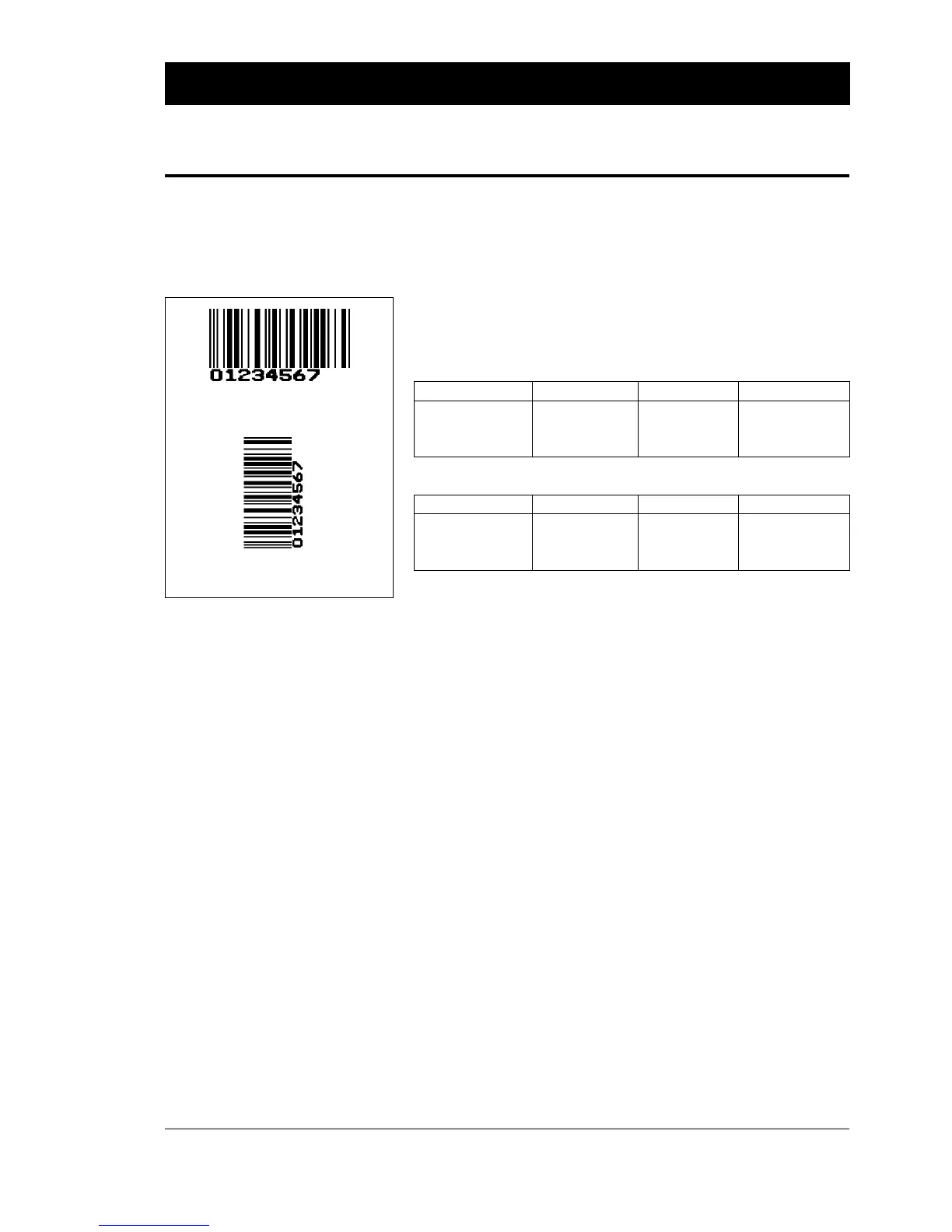
The Performance setup allows you to select the printer's print speed.
There are three options:
• Normal
• High
• Ultra high
These options translate to different nominal print speeds depending
on printhead density and type of printing:
Printhead density: 6 dots/mm (153.9 dpi)
Performance Text Printing Hor. bar code Vert. bar code
Normal 75 mm/s (≈ 3"/s) 75 mm/s (≈ 3"/s) 75 mm/s (≈ 3"/s)
High 100 mm/s (≈ 4"/s) 100 mm/s (≈ 4"/s) 75 mm/s (≈ 3"/s)
Ultra high 100 mm/s (≈ 4"/s) 100 mm/s (≈ 4"/s) 100 mm/s (≈ 4"/s)
Printhead density: 8 dots/mm (203.2 dpi)
Performance Text Printing Hor. bar code Vert. bar code
Normal 75 mm/s (≈ 3"/s) 75 mm/s (≈ 3"/s) 75 mm/s (≈ 3"/s)
High 125 mm/s (≈ 5"/s) 125 mm/s (≈ 5"/s) 75 mm/s (≈ 3"/s)
Ultra high 125 mm/s (≈ 5"/s) 125 mm/s (≈ 5"/s) 125 mm/s (≈ 5"/s)
The Memory Allocation setup allows you to set the size for three
kinds of memory buffers.
❑ The Image Buffer stores the printout image before printing and
during batch printing. To ensure that high print speed is sus-
tained during the printing of demanding label formats, the Image
Buffer may need to be increased.
❑ The Receive Buffer stores the input data received on the serial
communication channel "uart1:" before processing. The soft-
ware is able to detect if an optional serial interface board is fitted.
If so, the size of the receive buffer for each serial communication
channel ("uart1:", "uart2:" and "uart3:") can be set separately.
❑ The Transmit Buffer stores the output data on the serial
communication channel "uart1:" before transmission. The soft-
ware is able to detect if an optional serial interface board is fitted.
If so, the size of the transmit buffer for each serial communica-
tion channel ("uart1:", "uart2:" and "uart3:") can be set sepa-
rately.
Performance
Horizontal bar code printing
(picket fence style)
Vertical bar code printing
(ladder style)
Paper feed direction
➞
Memory Allocation
• Image Buffer
• Receive Buffer(s)
• Transmit Buffer(s)















 To Next Page