Hardware Operations
2015-MNU-000023
2 Hardware Operations
This chapter describes the hardware setup procedures that you have to perform when
replacing system components. It also gives detailed information on the internal components
and how to replace them.
2.1 Before You Start
Take note of the following operations before you start to remove or install internal
components.
2.1.1 Power Off
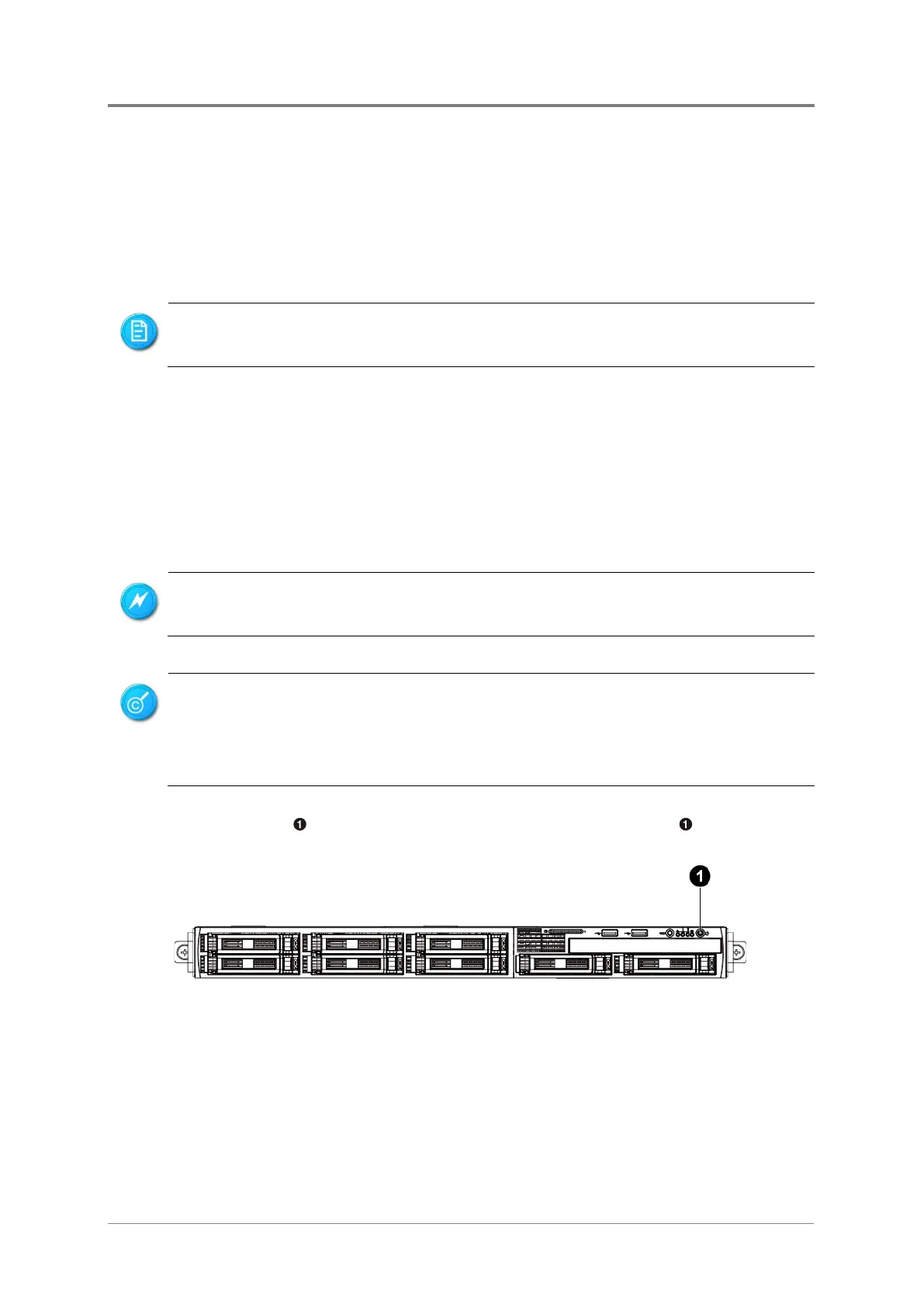
To press the power button:
Press the power button to toggle the server to standby. The power LED in green turns
off.
Figure 2-1 Pressing the Power Button
The components shown in this chapter are mainly for your reference. Please take the
actual shipment as standard.
To reduce the risk of injury from electric shock, remove the power cor
d to completely
disconnect power from the system.
Moving the Power On/Off switch to the Off position does not completely remove power
from the system. Some portions of the power supply and
some internal circuitry
remain active. Disconnect all power
cords from the server to completely remove



 To Next Page