04/01/2015 Inventec Corp. Confidential 65
3.5.4. Recovery
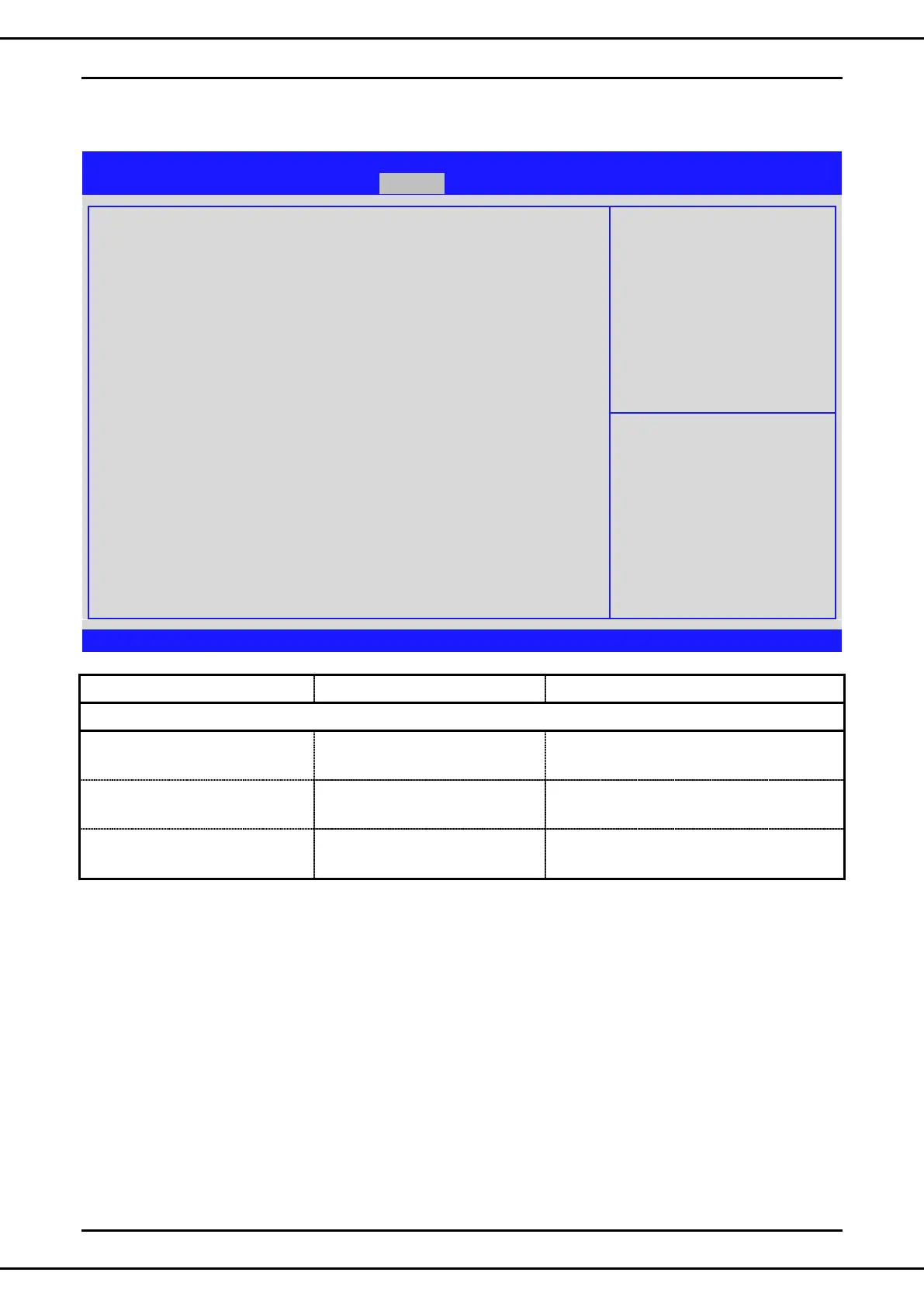
Aptio Setup Utility –Copyright © 2014 American Megatrends, Inc.
Main Advanced Server Mgmt Recovery Security Boot Save & Exit
ROM Image update allowed
ROM Image Verification passed
Flash Update parameters
Reset NVRAM
Boot Block Update
Main Block Update
▶ Proceed with flash update
[Enabled]
[Enabled]
[Enabled]
→←: Select Screen
↑↓: Select Item
Enter: Select
+/-: Change Opt.
F1: General Help
F2: Previous Values
F3: Optimized Defaults
F4: Save & Exit
ESC: Exit
Version 2.17.1245. Copyright © 2014 American Megatrends, Inc.
Set this option to reset NVRAM to default
values
Set this option to update Boot block area of
the firmware
Set this option to update Main block area of
the firmware
Note: 1* this page is shown when recovery mode is detected!



 To Next Page