Hardware Operations
2015-MNU-000023
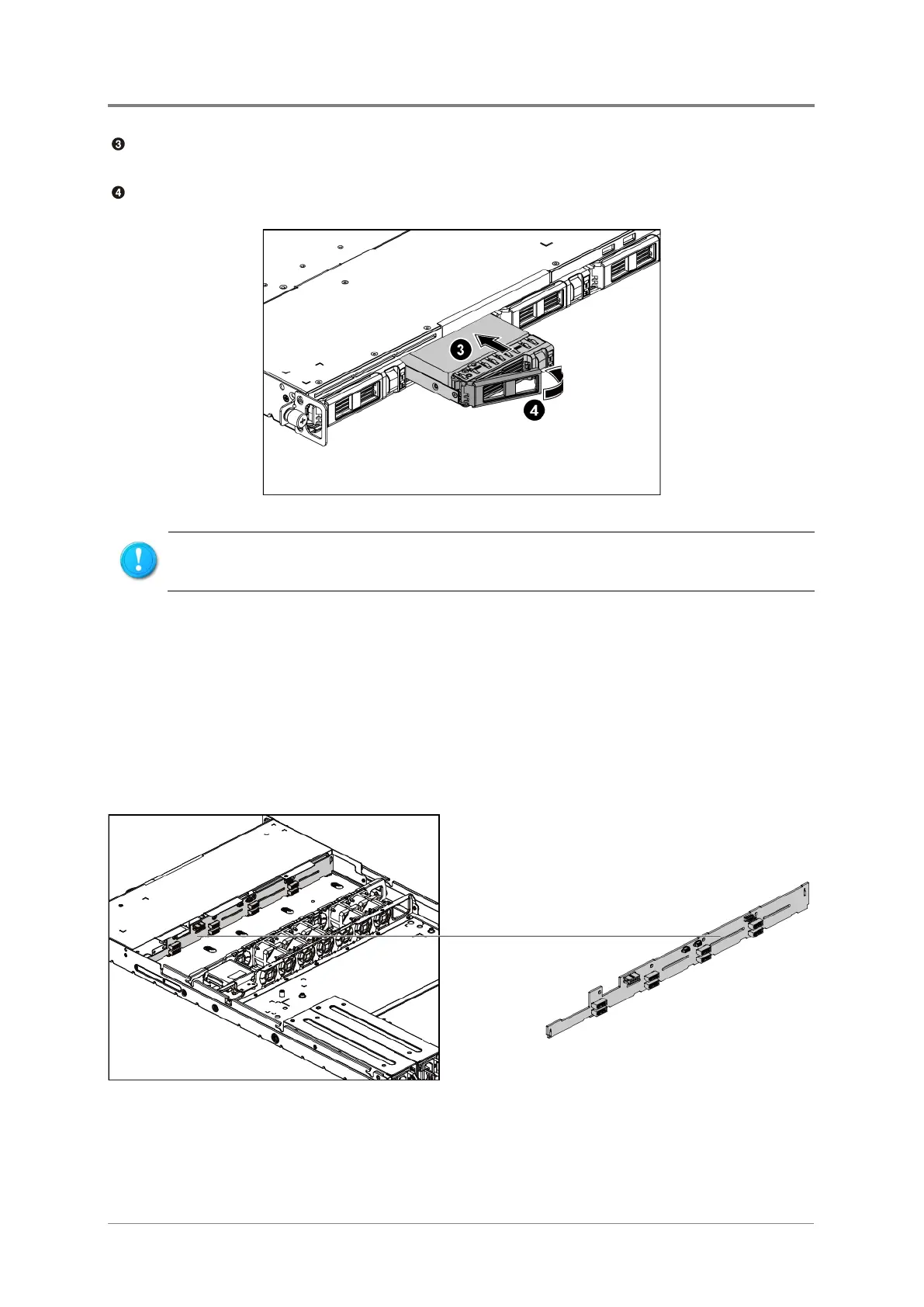
Carefully insert the HDD assembly into the HDD bay with the lever lifted until it completely
enters the HDD bay.
Push the lever back in place.
Figure 2-39 Installing the HDD Assembly
2.12 2.5” HDD Backplane
The backplane can support up to eight 2.5” HDDs with adapter bracket in the system. The
design incorporates a hot-swappable feature to allow easy replacement of HDDs. The SATA
connectors on the backplane connect to the motherboard to provide power and indicate HDD
access and failure.
The location of 2.5” HDD backplane is shown below:
Figure 2-40 2.5” HDD Backplane Location
Make sure that the HDD is connected to the HDD connector on the backplane.



 To Next Page