Hardware Operations
2015-MNU-000023
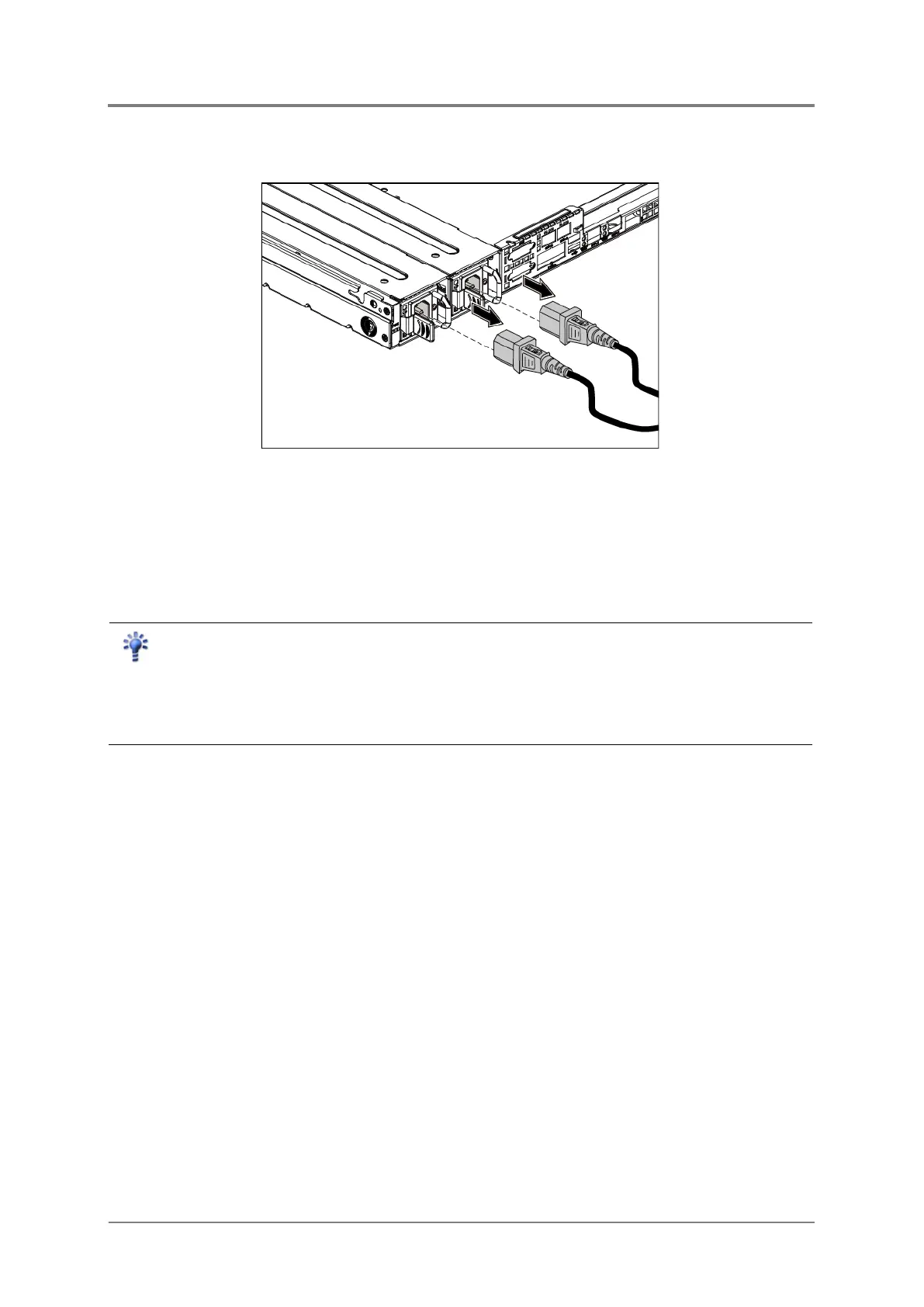
To remove the power cords:
First unplug the power cords from the AC outlet and then from the server.
Figure 2-2 Unplugging the Power Cords
2.2 Chassis Cover
The server is a 2U form factor designed for easy assembly and disassembly, making the
replacement of internal components very convenient.
Reminder
Before you remove or install the chassis cover, please follow the step below:
Step 1:
Make sure the server is not turned on or connected to the AC power. To power off
the server, see “2.1.1 Power Off”.



 To Next Page